
2 hours ago
4 views

Administrator
548
Posts
1,766
Likes
Achievements
VIP ClubFamousContributorPopularRegularLikedFirst StepNewcomer
Thread Post
Oct 11, 2026
at
6:33 PM
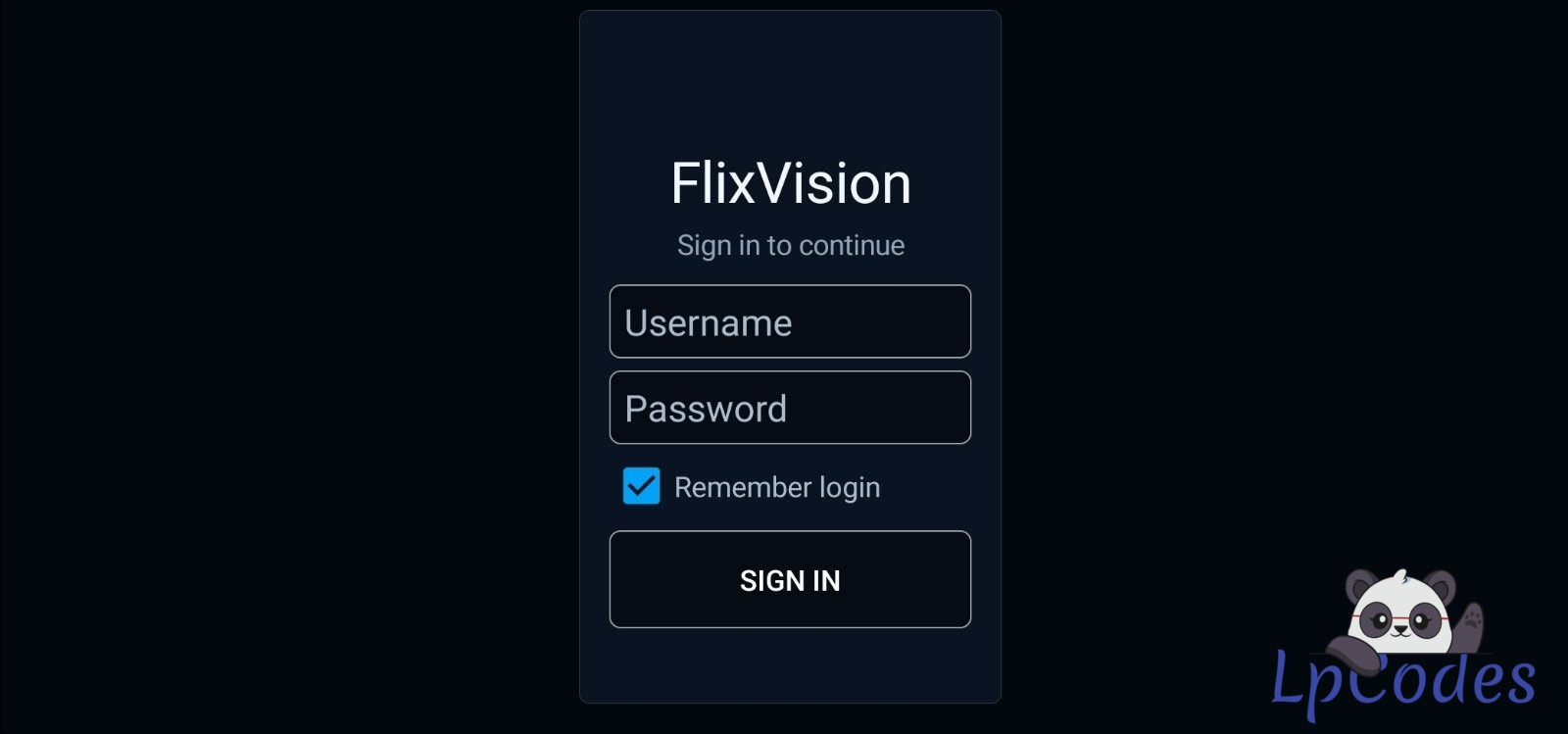
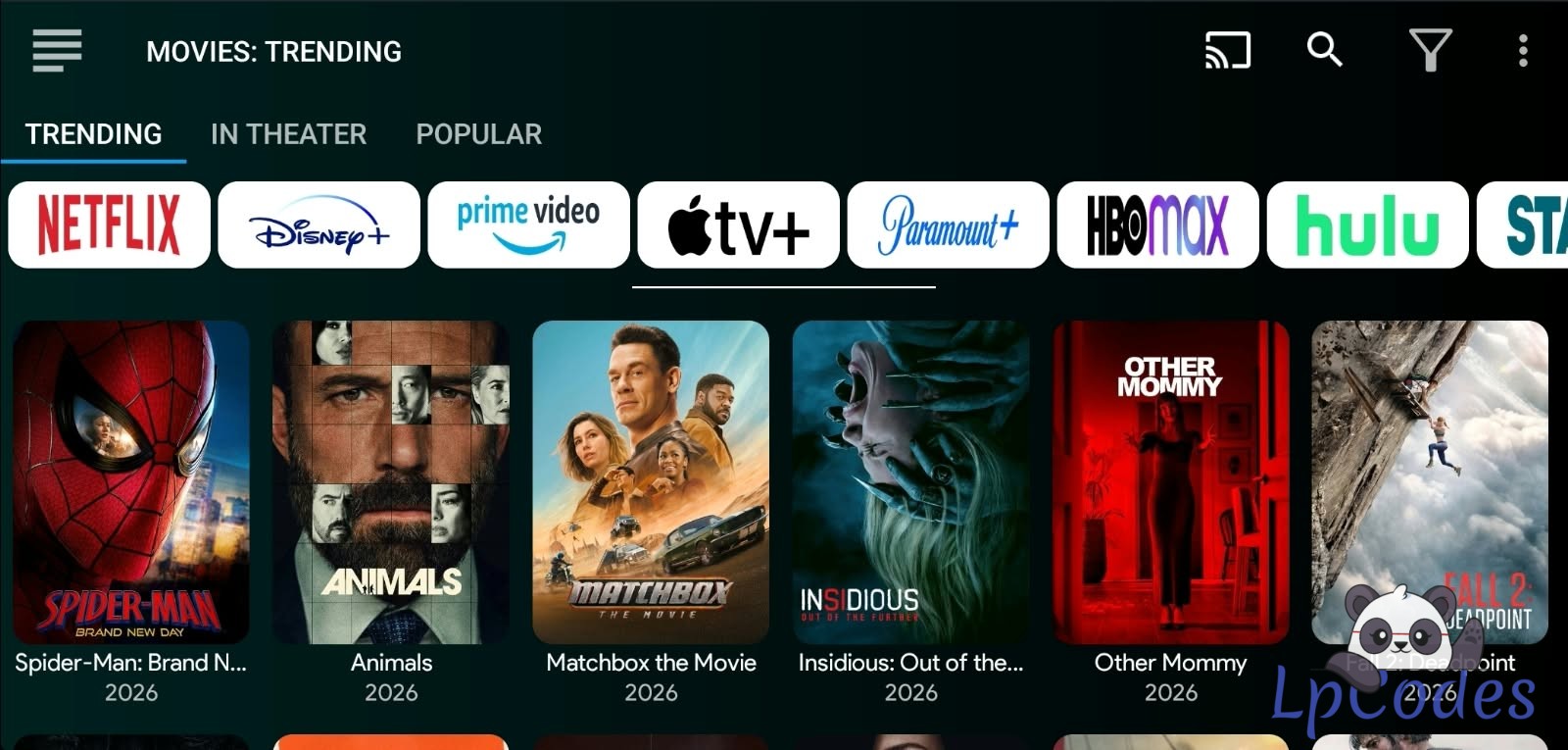
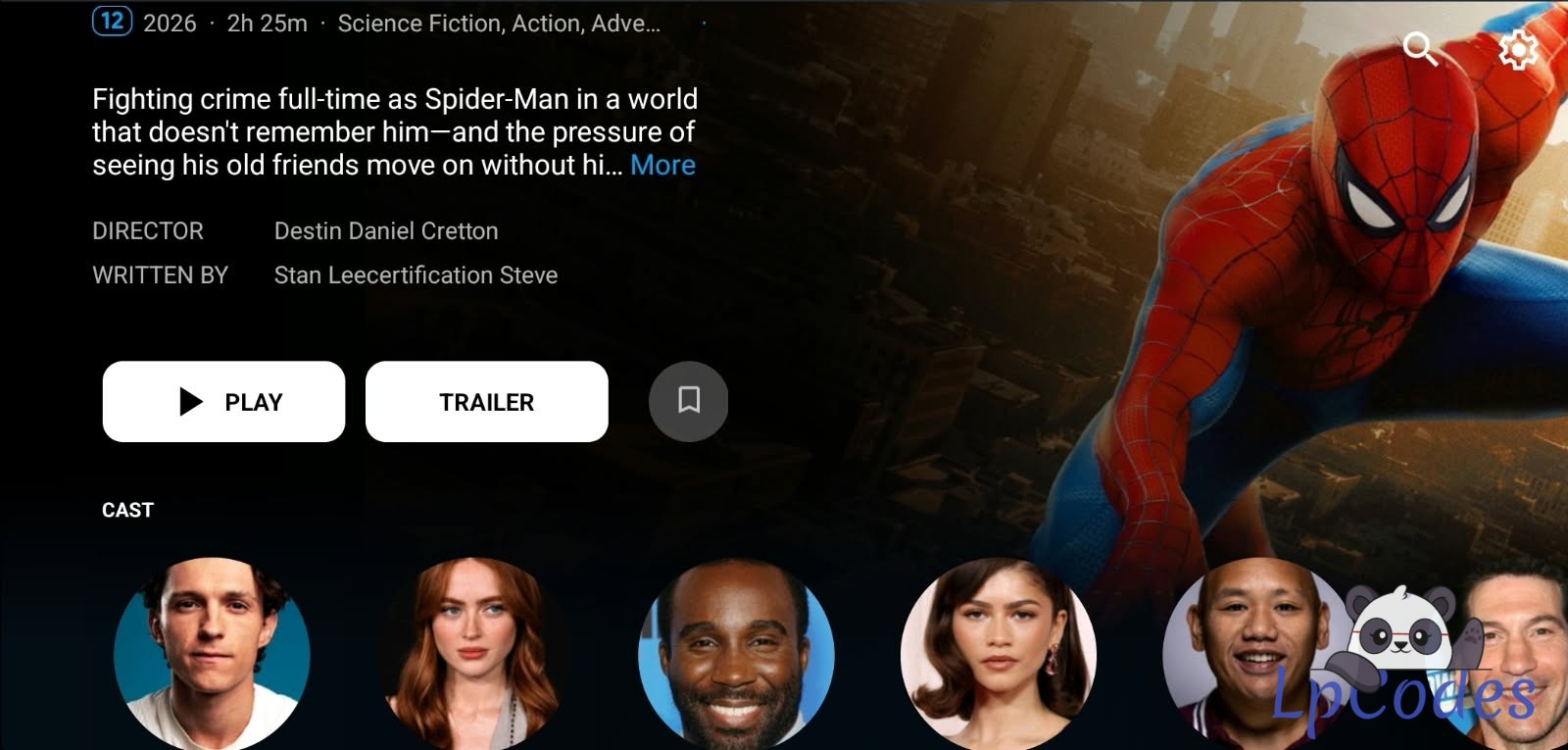
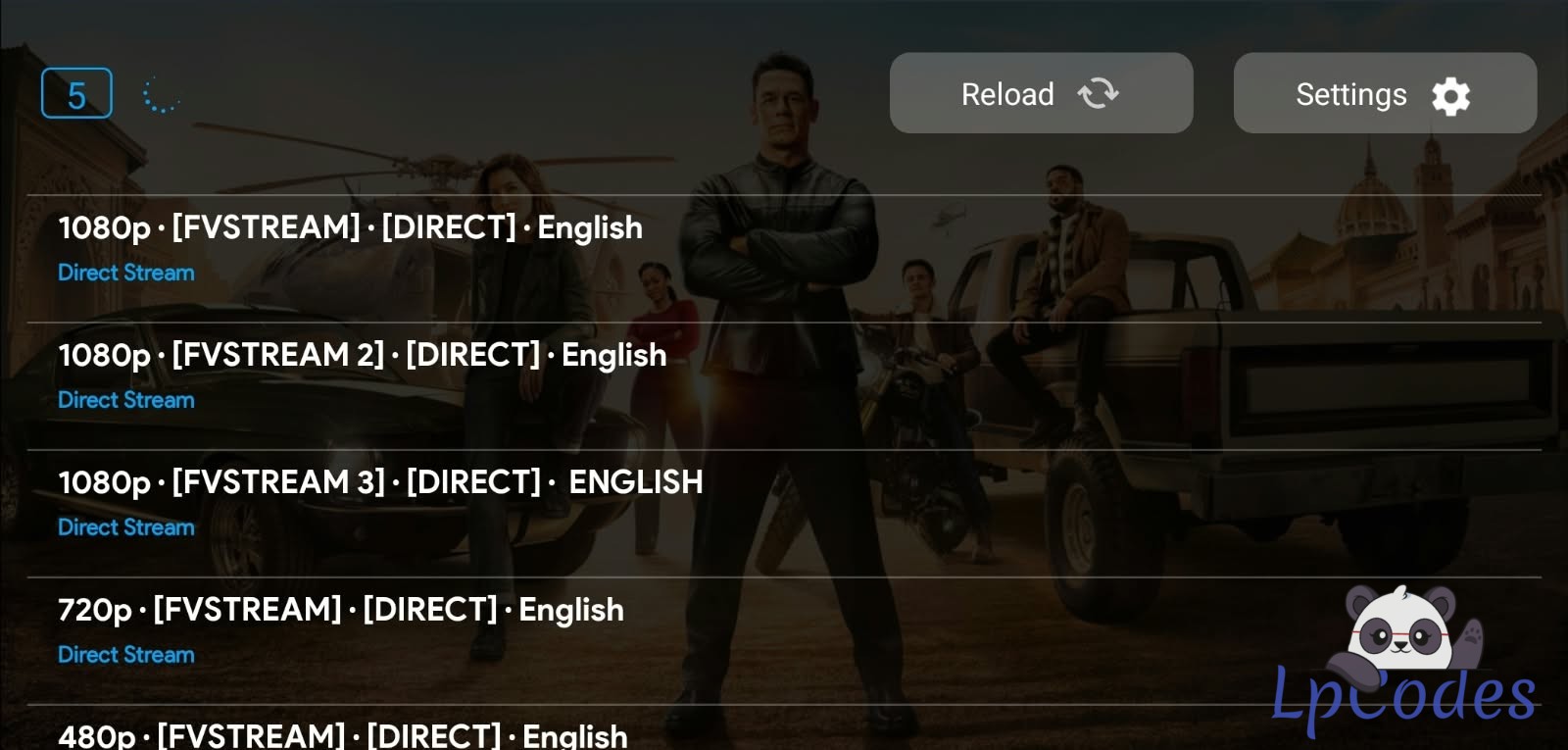
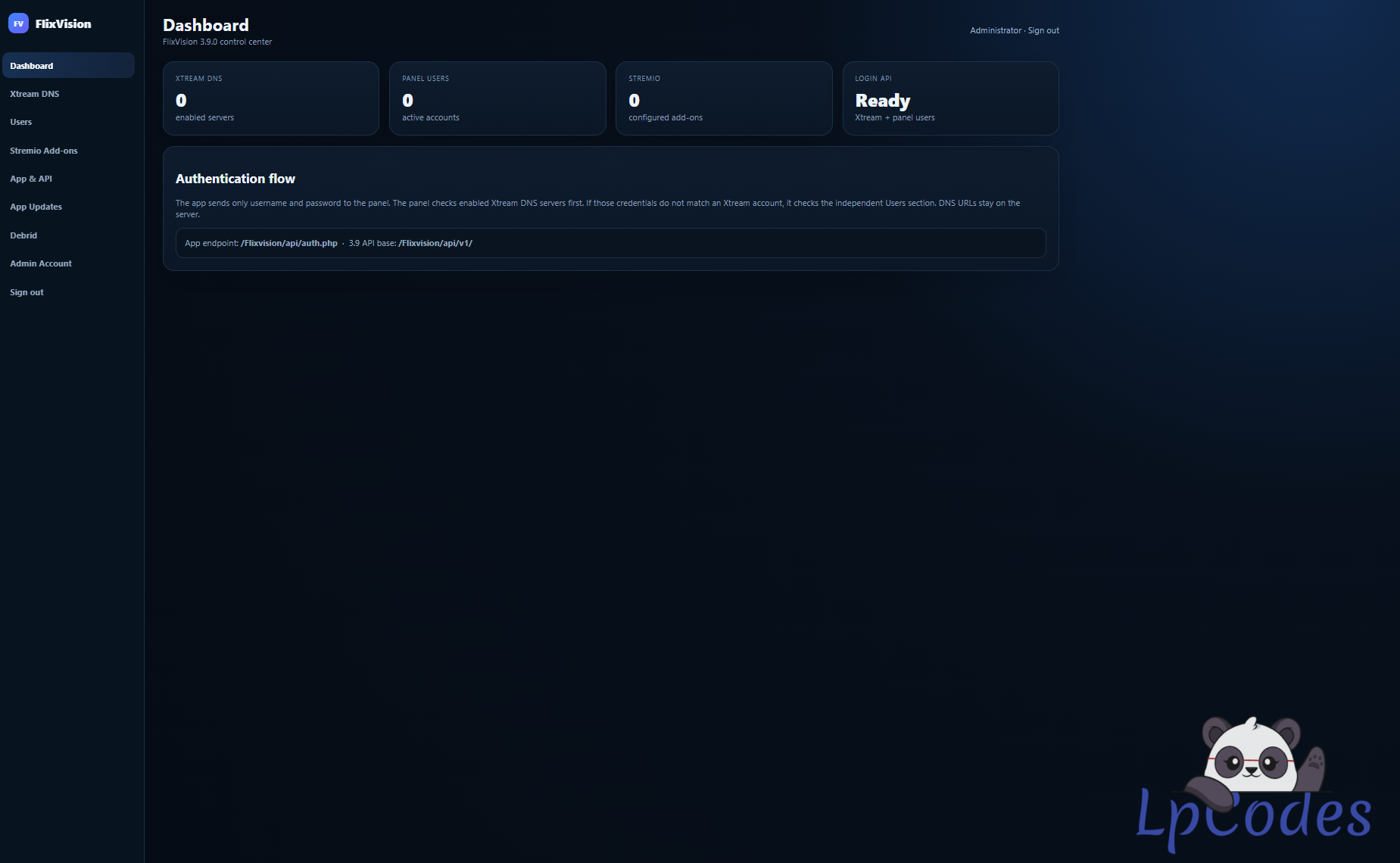
FlixVision 3.9.0 with Build Kit, Premiumize and Torbox Paneled
Update 10/11/26 - add to the panel the option to turn off the Live TV and Adult Zone
BANDWIDTH SHARING has been turn off by default
this is the new Flixvision release 3.0.9
Panel has been modified from karimbydoun credit to him for the Panel
this release has the new update 3.9.0 with the integration of the Stremio addons from karimbydoun
STEP 1 - Put the panel online
1. Upload the whole "panel" folder to your host, e.g. as /folder/
(needs PHP 8.1 or newer; the "data" folder must be writable).
2. Open it in a browser, e.g. https://yourhost.com/folder/
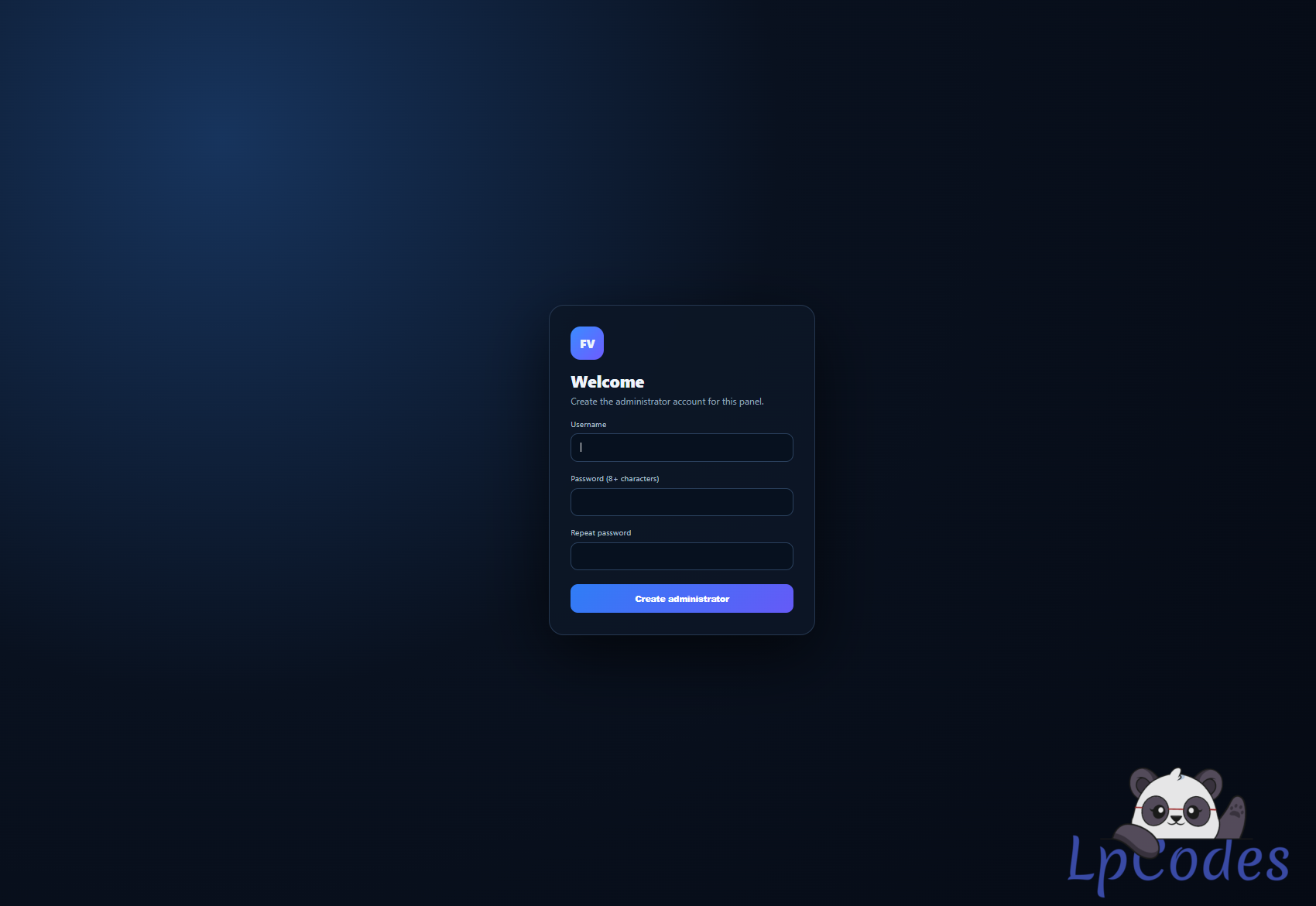
3. The first time, it asks you to create your administrator account.
4. Set it up:
Xtream DNS - your IPTV servers (customers sign in with their Xtream login)
Users - or create panel-only users
Stremio Add-ons - manifest links that give the movie/series links
App & API - app name, logo/background links, login message
App Updates - push new versions of your app to every box
Debrid - Premiumize / TorBox API keys; every app gets
them after sign-in (Users > Edit can give a customer
their own keys)
STEP 2 - Build your app
1. Extract the whole zip first (do not run it from inside the zip).
2. Open the "app" folder and double-click BUILD MY APP.bat
3. Answer the questions (press Enter to keep the value shown):
1) Panel address - the address of your panel folder from step 1
e.g. https://yourhost.com/folder
2) App name 3) Logo (PNG/JPG, 512x512 or bigger) 4) Icon zoom
5) Accent color 6) Login background color 7) Login message
8) Package name - keep flix.com.vision (the original) unless you want a
second, separate app next to it
Your logo is used for the app icon, the TV banner, the intro animation and the
standby (screensaver) logo - each one sized from your logo's own shape.
4. Wait 3-6 minutes. Your APK is in app\output\ together with:
icon_preview.png - how the icon looks on Google TV
<name>.build.txt - the build number (for App Updates)
Fuzepper is an international service for safe file transfer, storage, backup, and distribution.
Similar Threads
10 months ago
789
10 months ago
745
10 months ago
483
10 months ago
474
10 months ago
628