
DOWNLOAD
XCIPTV 702 + WEB PANEL +INSTRUCTIONS
4 months ago
153 views

Dec 16, 2025
at
11:24 AM
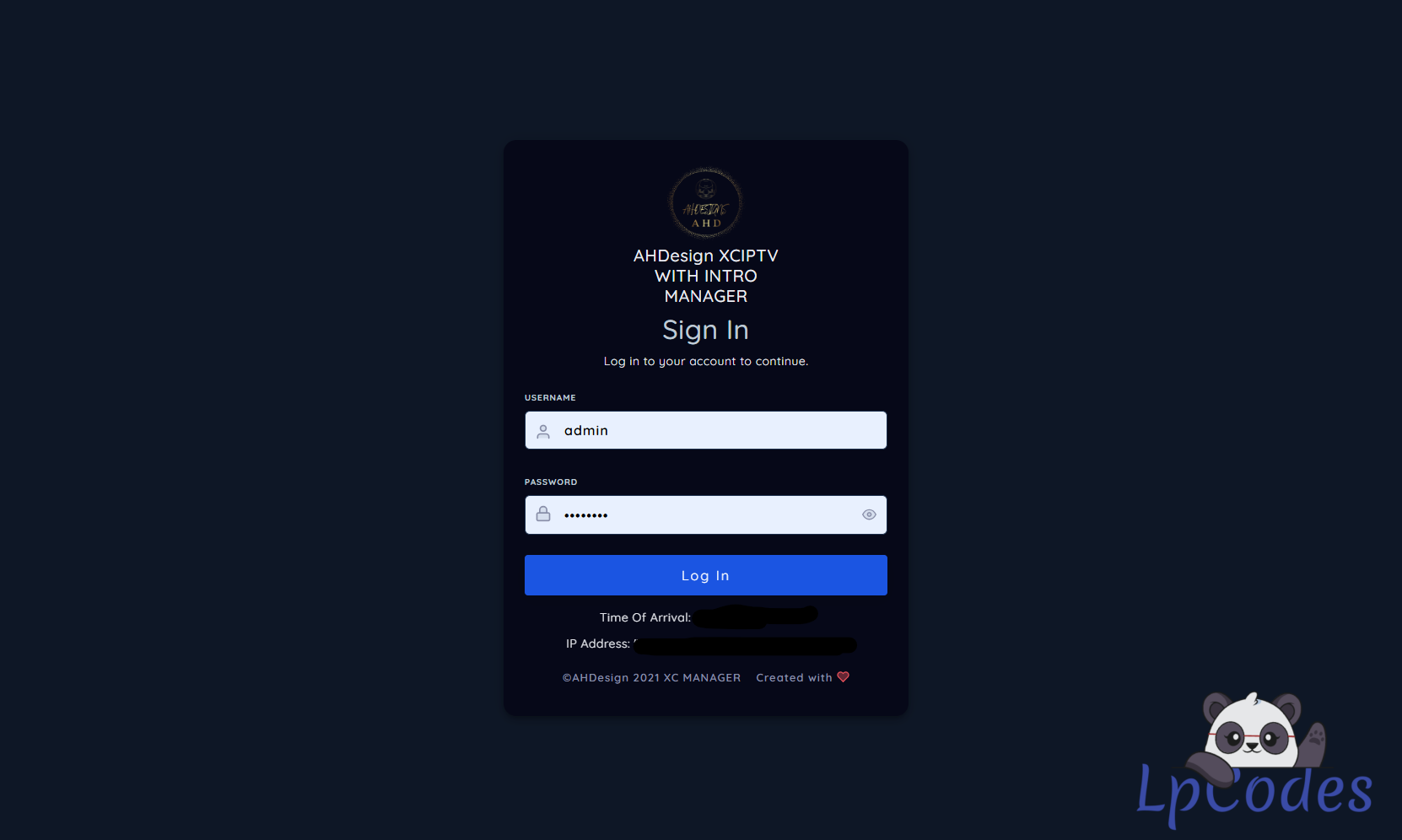
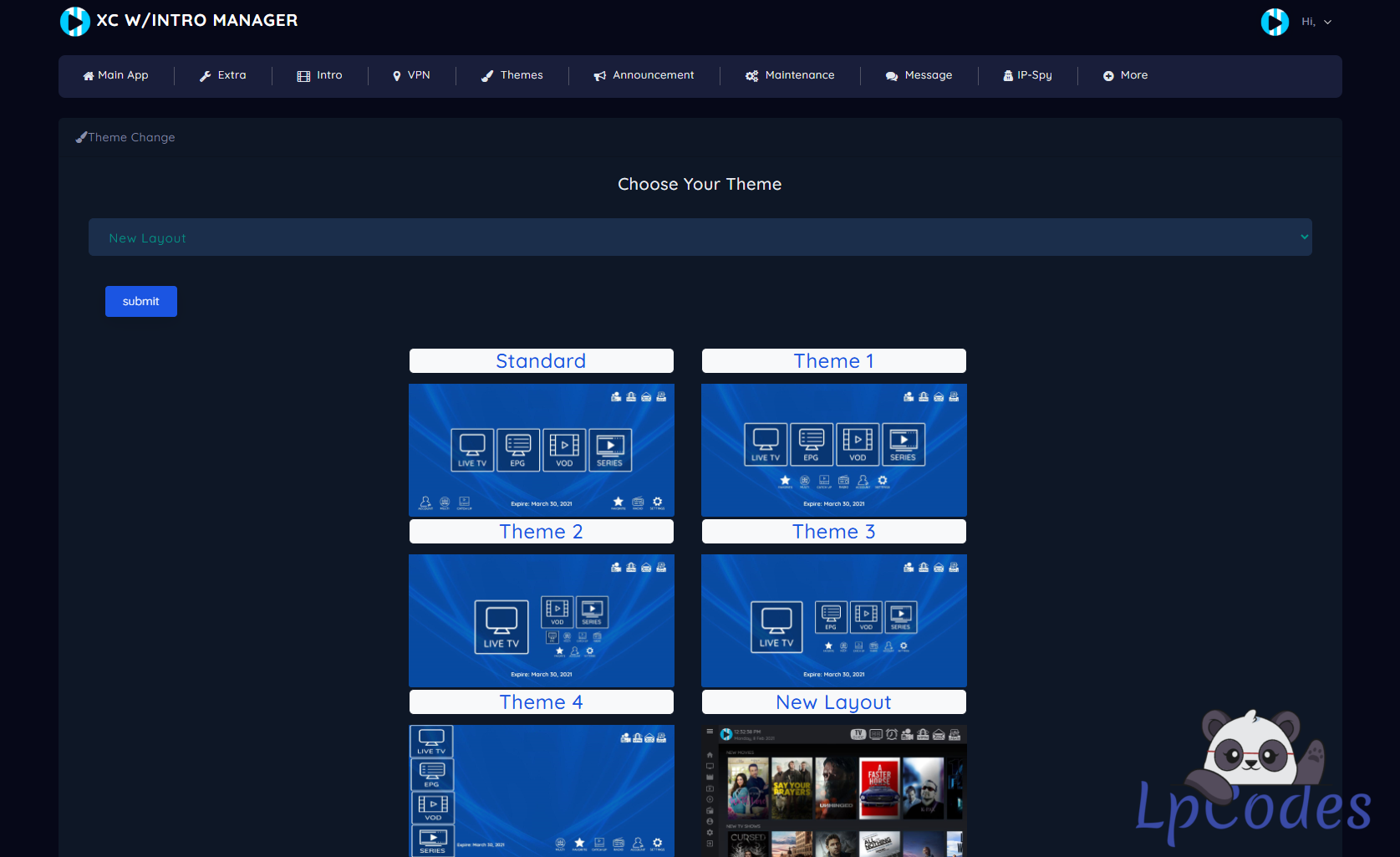
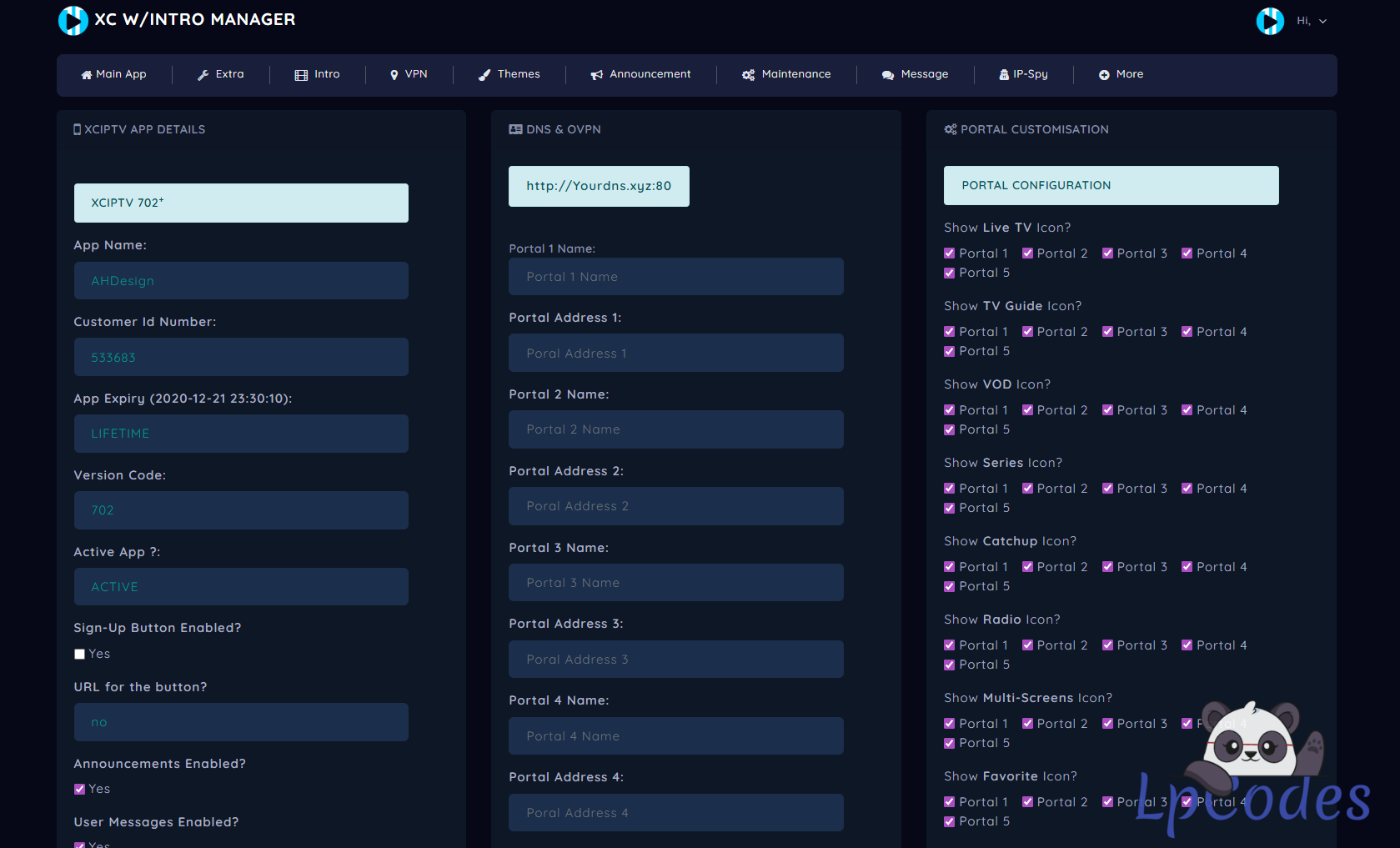
For the panel to work with the application, it is ideal that you change the php to version 7.4 on your hosting
instructions:
first step
[SPOILER="upload the xciptv 702 panel to your hosting you can put the panel in folders or directly in the domain
example:
with folder on hosting
https://yourhost.xyz/702
or
directly on the link https://yourhost.xyz
in the application, put it according to where your panel is placed
second step
panel xciptv 702
complete plain text string in \smali\com\nathnetwork\trojan\util\Config.smali line 58 e.g http://painelcavaloxc.xyz/702/api/
intro from panel is located \smali\com\nathnetwork\trojan\SplashVideoActivity.smali line 152 e.g http://painelcavaloxc.xyz/702/api/ApiIPTV.php?tag=intro
third step
Application Name
\smali\com\nathnetwork\trojan\util\Config.smali line 78 "Xciptv 5dns"
local to change application name /res/values/strings.xml/ line 68 "Xciptv 5dns"
fourth step
package name
\smali\com\nathnetwork\trojan\util\Config.smali line 73 and edit "com.Cavalo.Branco"
package nema: /AndroidManifeste.xml line 2 and edit "com.Cavalo.Branco
🔥 Welcome to the Ultimate IPTV Community! 🔥
🔥 LpCodes Scripts - The #1 Place for IPTV Enthusiasts! 🔥
📢 Follow the Rules & Stay in the Game! 🚀
🔥 LpCodes Scripts - The #1 Place for IPTV Enthusiasts! 🔥
📢 Follow the Rules & Stay in the Game! 🚀
👍2
Similar Threads

4 months ago
684
4 months ago
820
4 months ago
676
4 months ago
1,486
4 months ago
750