
Vu player - Ibo 3.3 e ibo 3.8 + Panel
1 month ago
60 views

Jan 6, 2026
at
7:10 PM
1 - Upload the file "Painel Vu-Ibo Revenda.zip" to your hosting account.
2 - Open the Admin Panel
Example: "https://seudominio.com/suapasta/login.php"
Username: admin
Password: admin
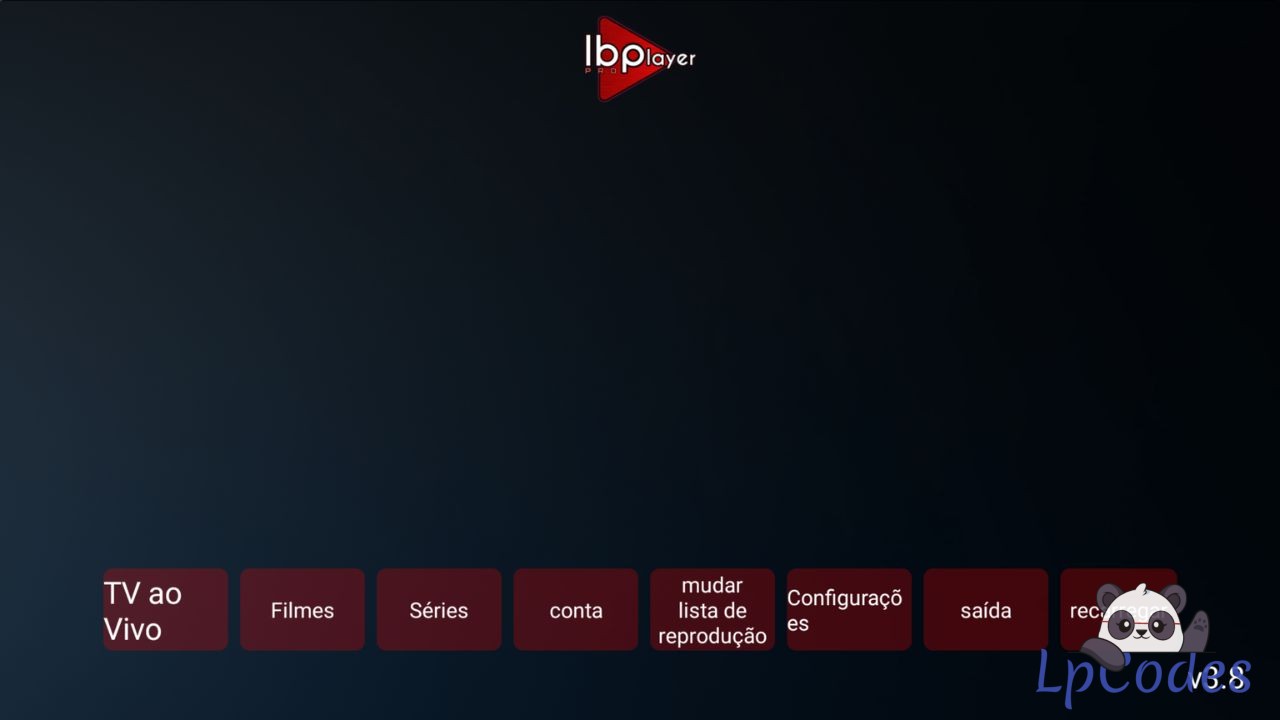
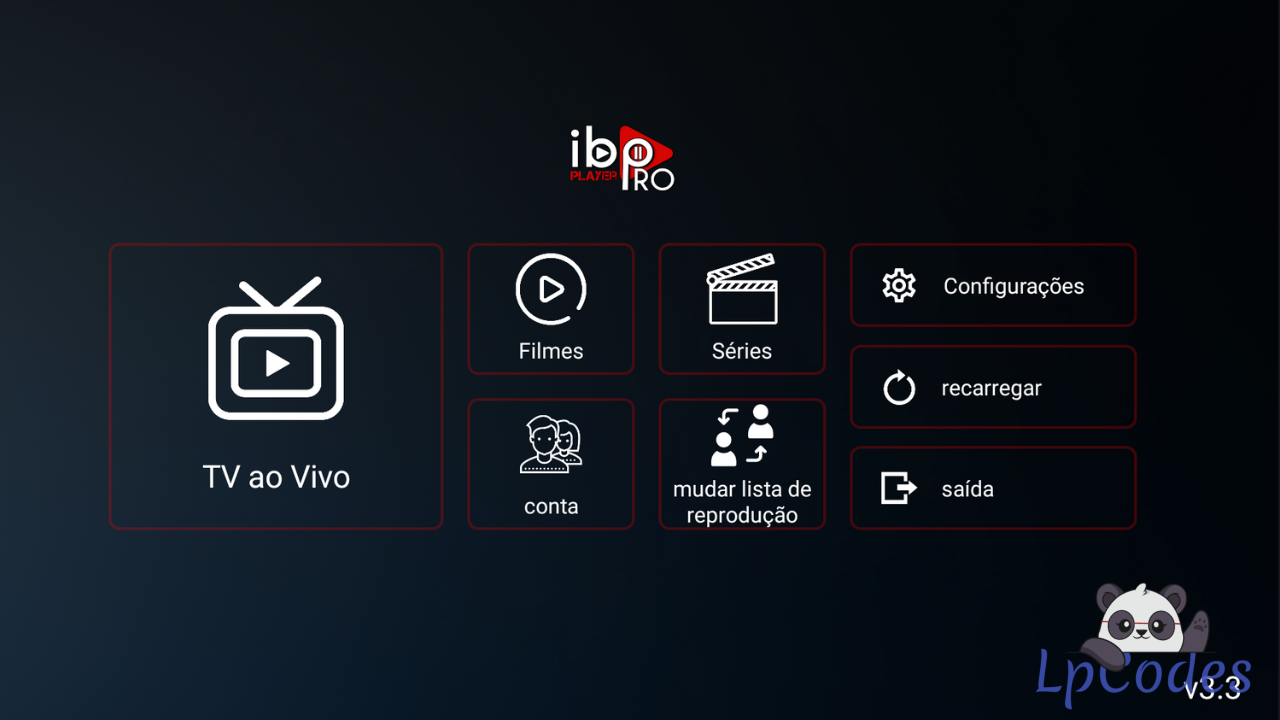
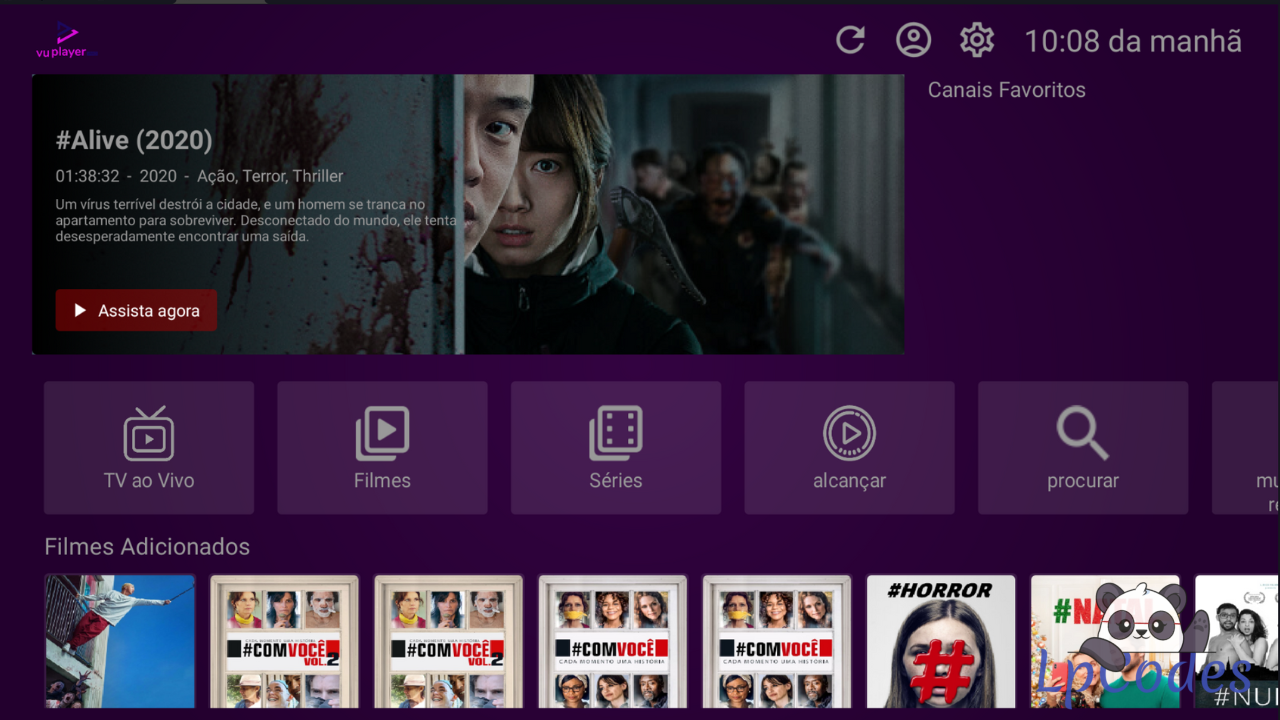
3 - Edit the IBO PRO and VU PLAYER APKs using APK Editor. If you don’t have APK Editor, I can send it to your phone as a courtesy.
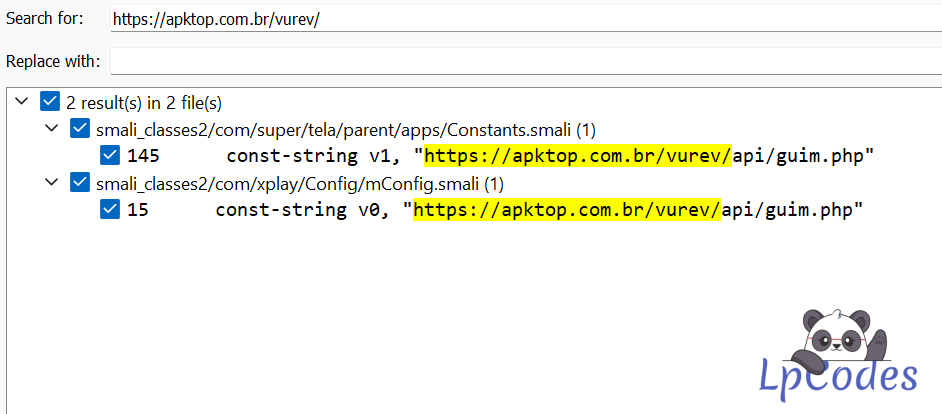
Search for "https://apktop.com.br/vurev/
"
and replace it with the address of your Panel.
Example: See attached image.
Ex: "https://seudominio.com/suapasta/".
"
(DO NOT MODIFY ANY OTHER CHARACTERS)
2 - Open the Admin Panel
Example: "https://seudominio.com/suapasta/login.php"
Username: admin
Password: admin
3 - Edit the IBO PRO and VU PLAYER APKs using APK Editor. If you don’t have APK Editor, I can send it to your phone as a courtesy.
Search for "https://apktop.com.br/vurev/
"
and replace it with the address of your Panel.
Example: See attached image.
Ex: "https://seudominio.com/suapasta/".
"
(DO NOT MODIFY ANY OTHER CHARACTERS)
🔥 Welcome to the Ultimate IPTV Community! 🔥
🔥 LpCodes Scripts - The #1 Place for IPTV Enthusiasts! 🔥
📢 Follow the Rules & Stay in the Game! 🚀
🔥 LpCodes Scripts - The #1 Place for IPTV Enthusiasts! 🔥
📢 Follow the Rules & Stay in the Game! 🚀
Similar Threads
3 months ago
368
3 months ago
373
3 months ago
488
3 months ago
637

3 months ago
517