
Administrator
489
Posts
1,427
Likes
Achievements
VIP ClubFamousContributorPopularRegularLikedFirst StepNewcomer
Reply
Jul 1, 2026
at
5:22 AM
Testadura87 wrote
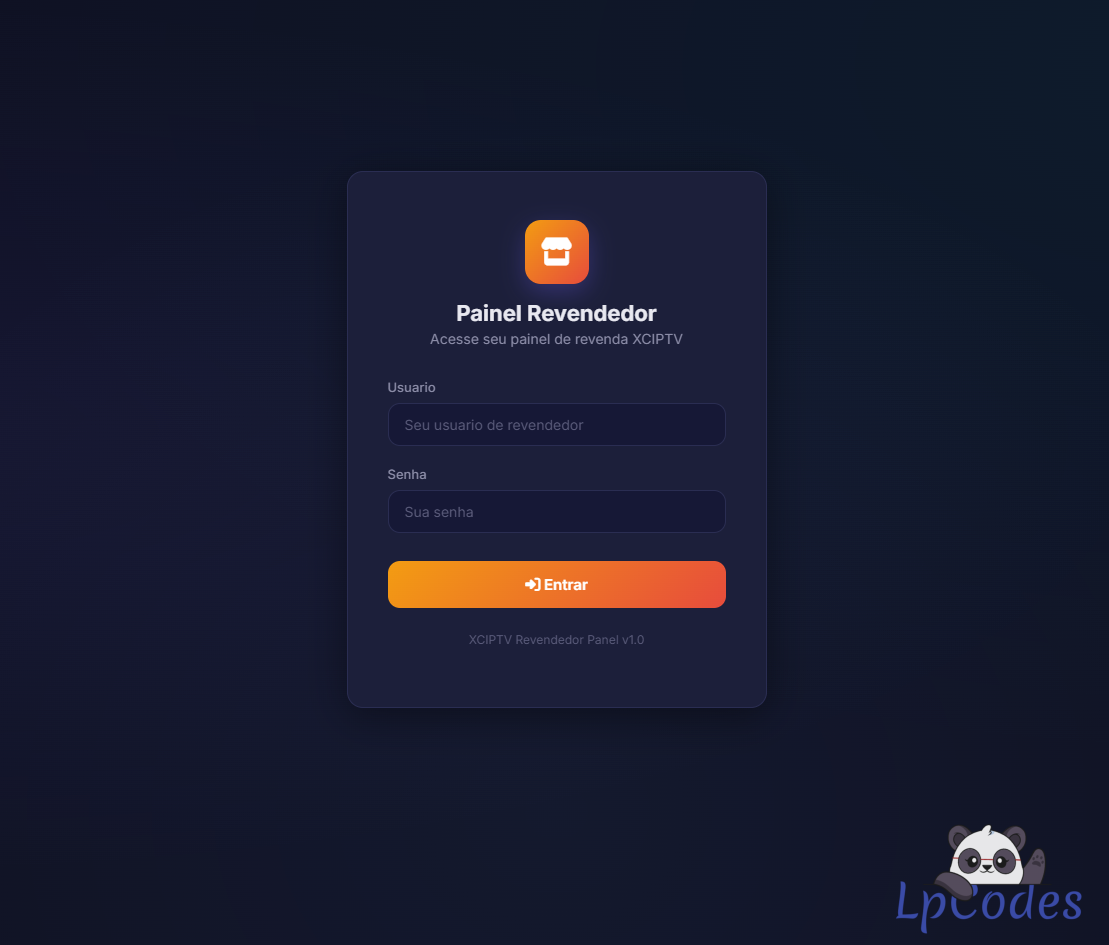
I can't understand the tutorial: what needs to be changed in the apk.
Find the panel at this fixed URL in the assets/setting.json folder. Use MT Manager. or APK editor.
Fuzepper is an international service for safe file transfer, storage, backup, and distribution.
👍
Guillent007
Administrator
489
Posts
1,427
Likes
Achievements
VIP ClubFamousContributorPopularRegularLikedFirst StepNewcomer
Reply
Jul 1, 2026
at
1:23 PM
Testadura87 wrote
Ok thanks done forgive me again there is still need to change other things because I can not understand and if I have to change also from the panel?
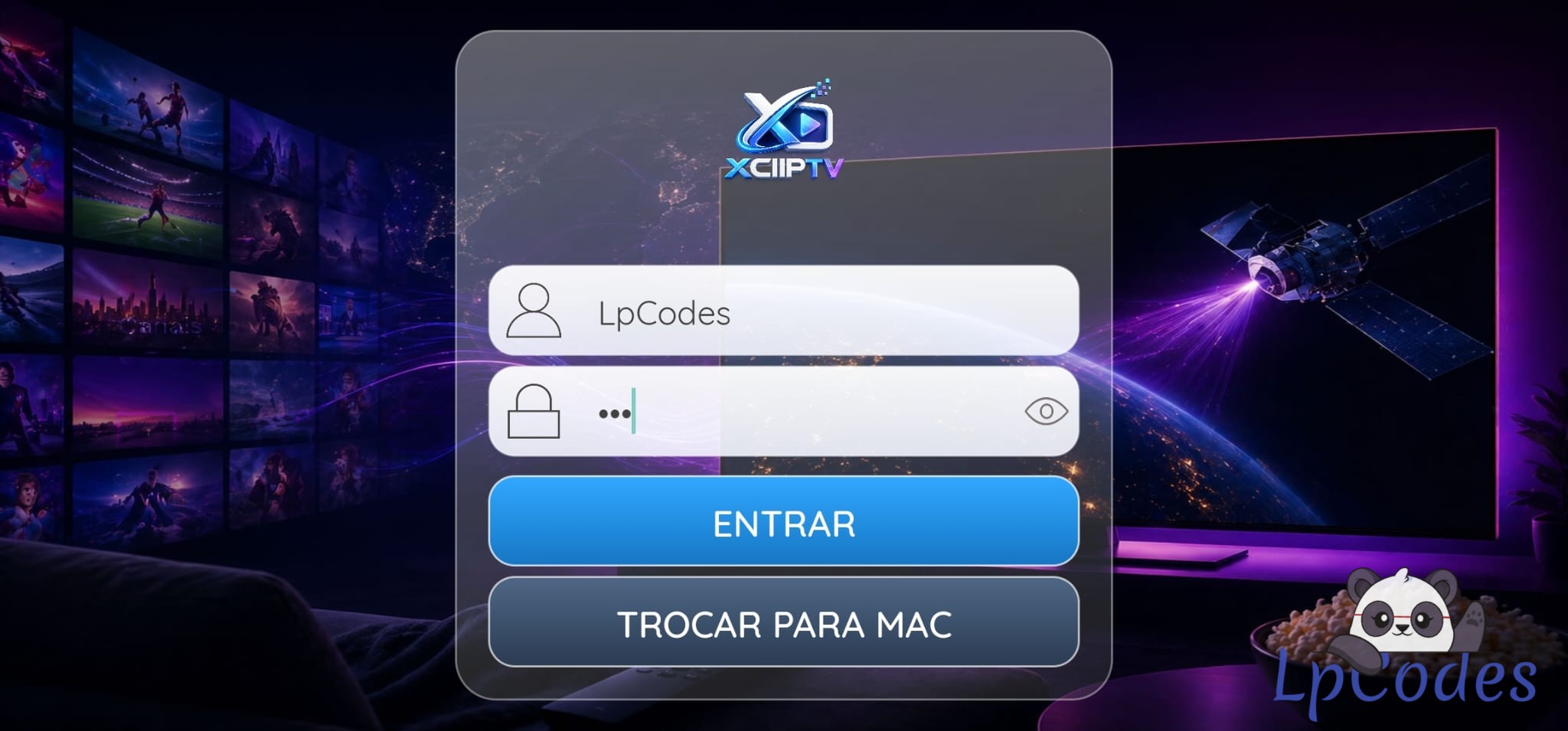
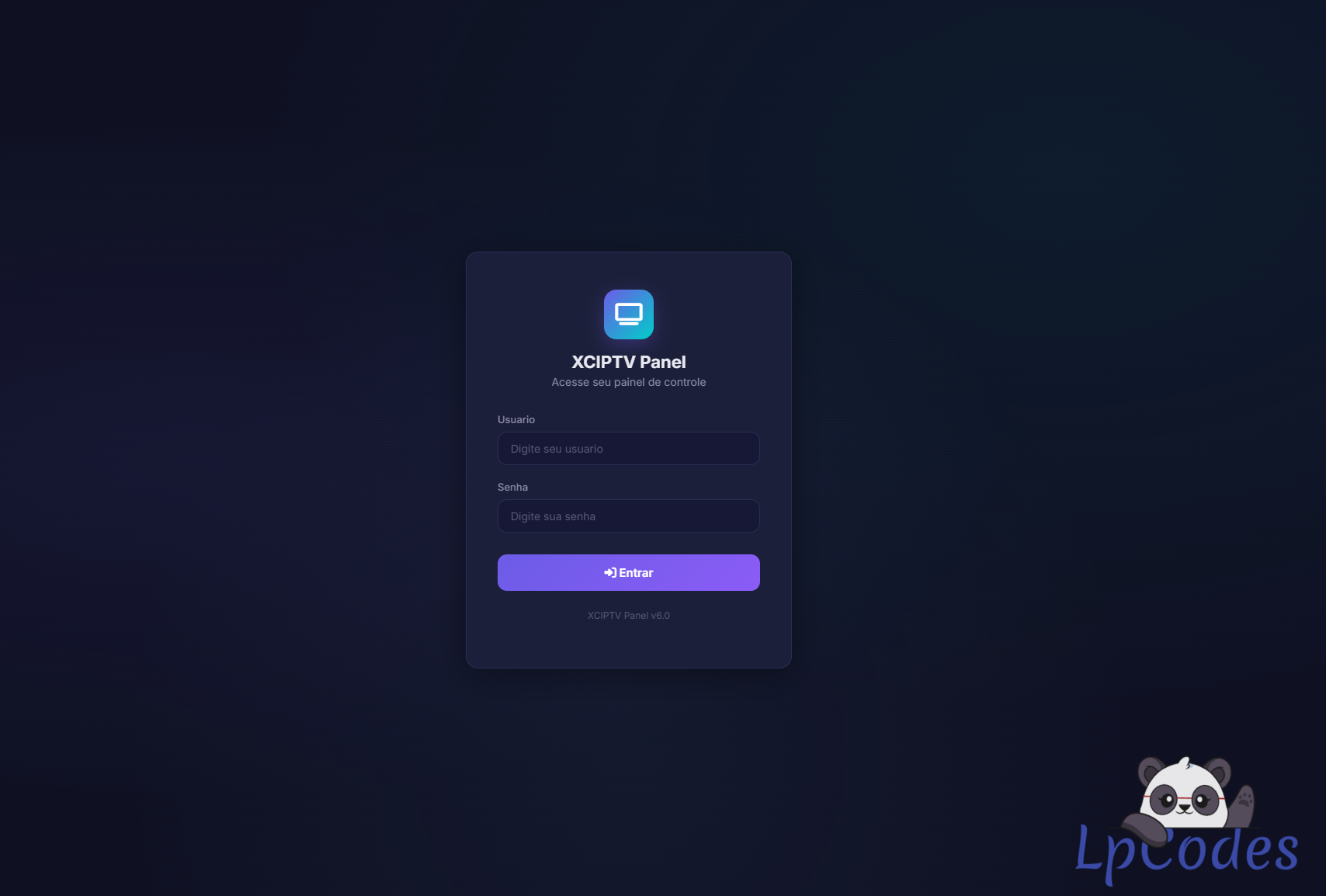
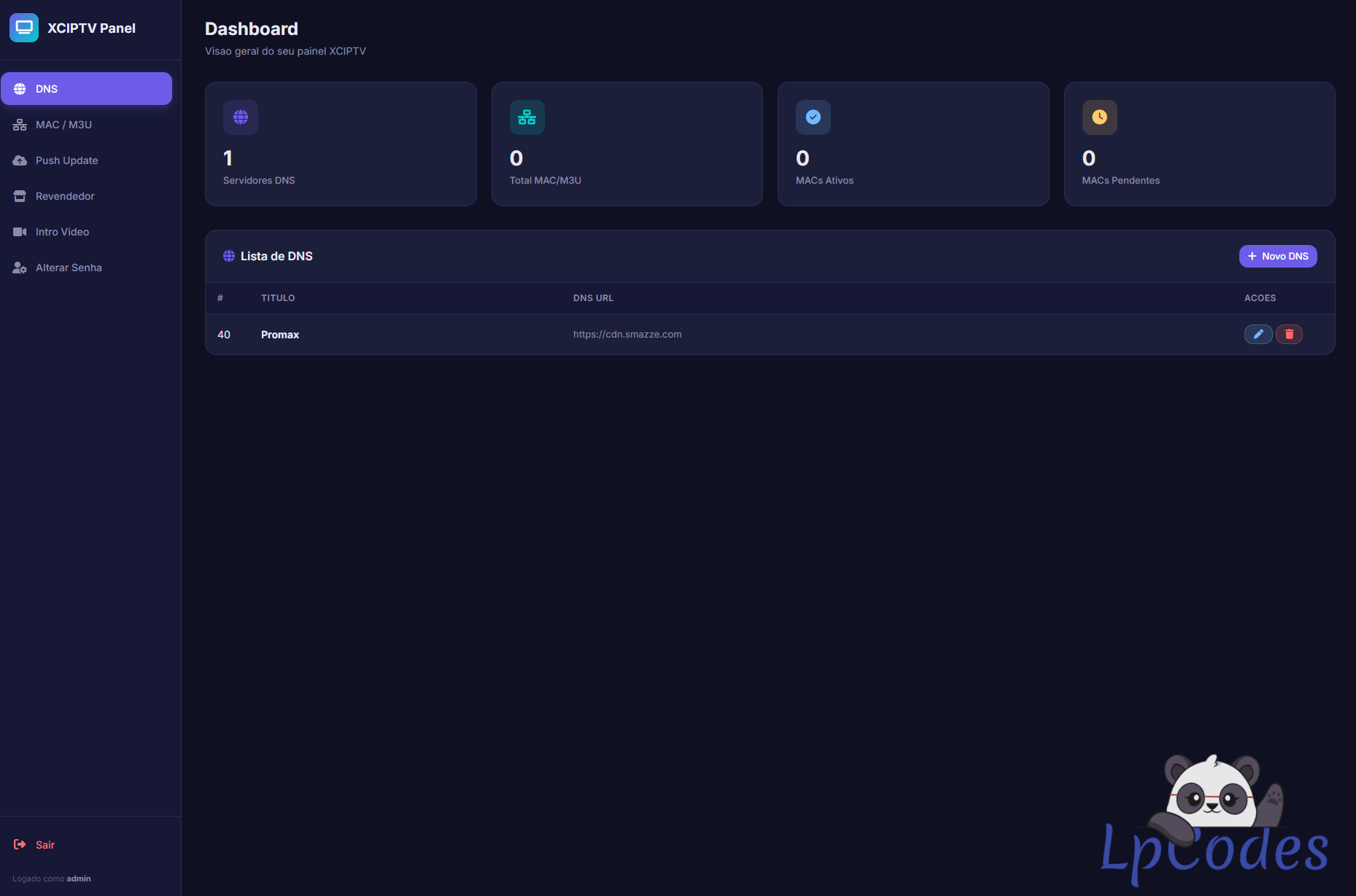
No problem, you just need to add your DNS in the panel and the panel URL in the APK. That's all. Then, try to log in to the app with your Xtream login.
Fuzepper is an international service for safe file transfer, storage, backup, and distribution.
Reply
Jul 29, 2026
at
10:47 PM
Dont understand these instructions, this is way more than add dns in panel and url in app,
No way it would be this long if it was just that
i uploaded panel changed url in app & add my dns in panel, its just crashing for me, try to load on the iptv screen then crashes
is there a /api at the end of the url or what exactly
No way it would be this long if it was just that
i uploaded panel changed url in app & add my dns in panel, its just crashing for me, try to load on the iptv screen then crashes
is there a /api at the end of the url or what exactly
Similar Threads
8 months ago
1,433
8 months ago
1,616
8 months ago
1,459
8 months ago
2,840
8 months ago
1,423