

Administrator
System Administrator
305
Posts
1,208
Likes
Achievements
VIP ClubFamousRegularFirst StepContributorLikedPopularNewcomerLoyal
Thread Post
Dec 11, 2025
at
8:46 PM
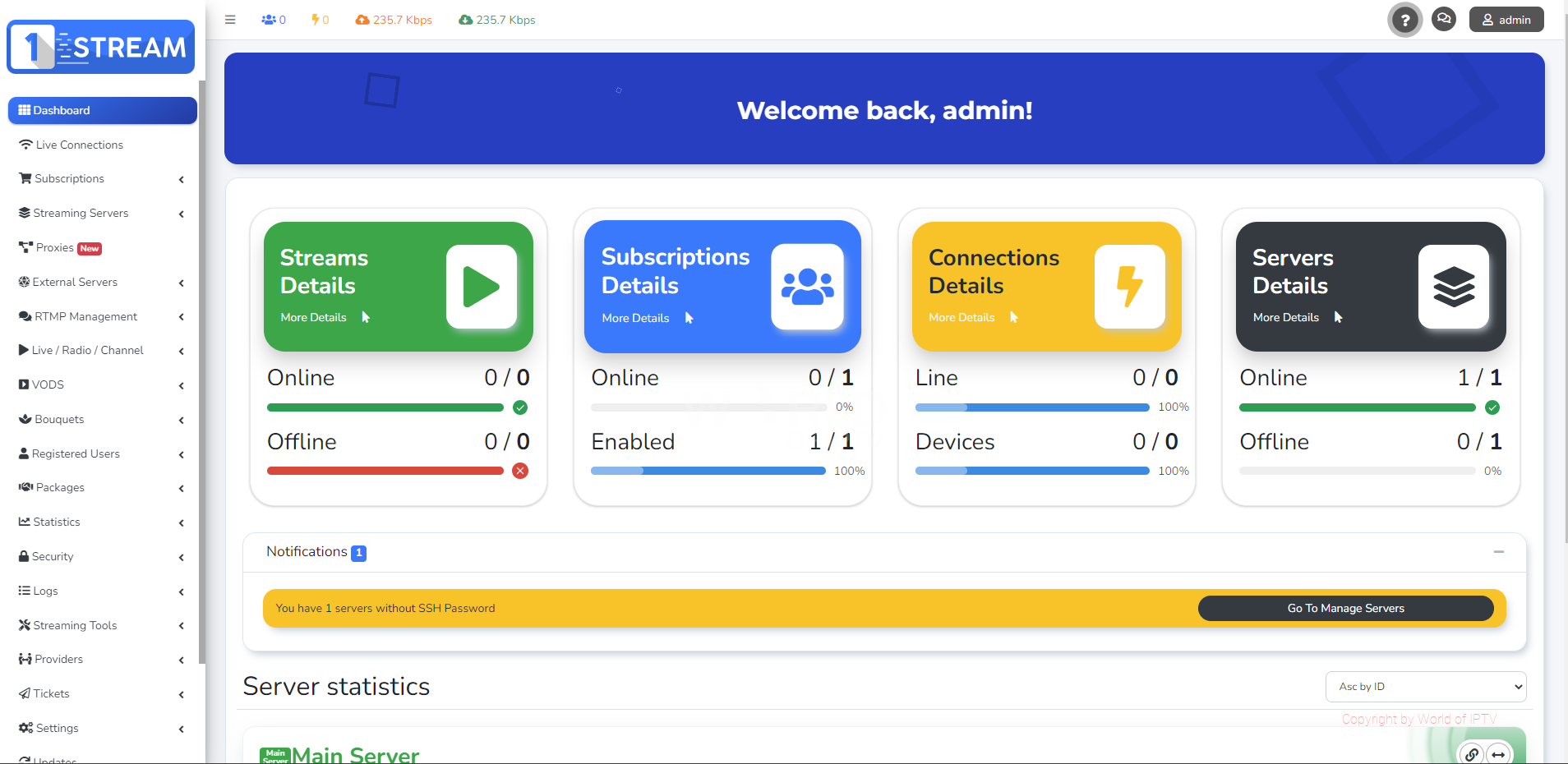
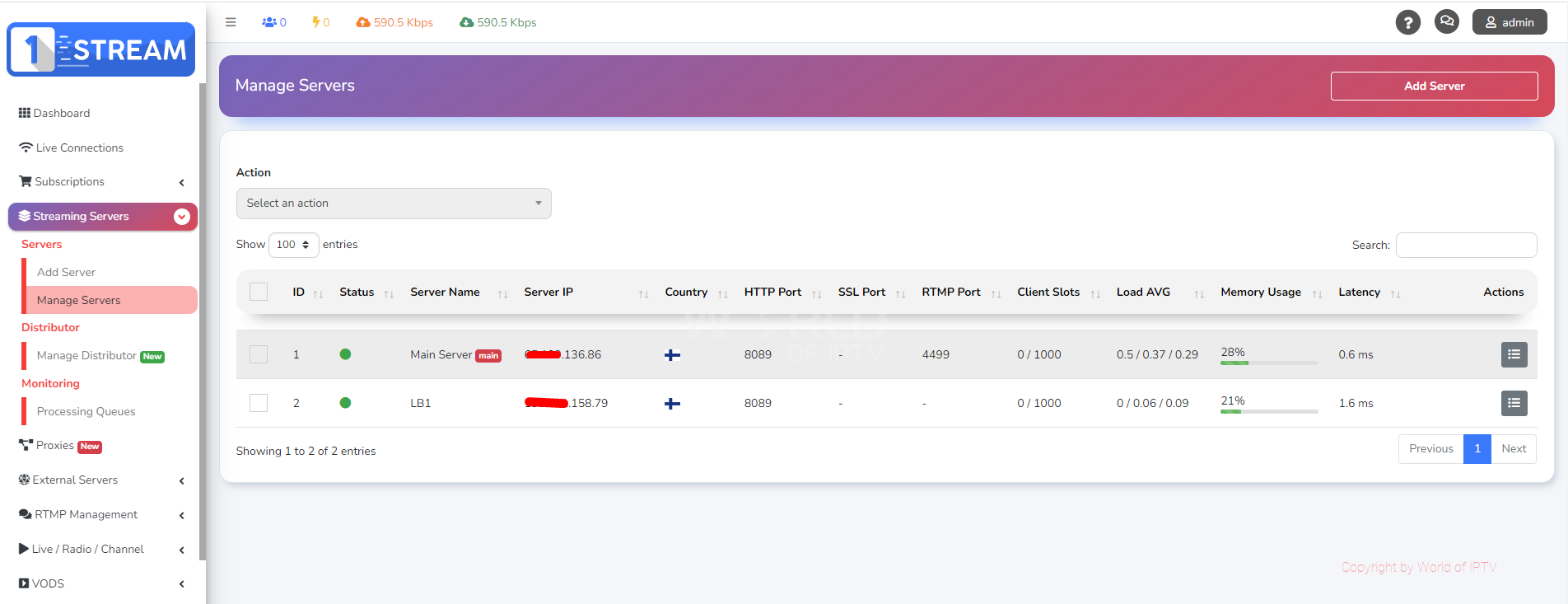
Requirements:
OS: Ubuntu 20.04 LTS as minimal installation
For flawless production usage, Main Server minimum requirements are:
CPU: 8 core / 16 threads
RAM: 32GB
Disk: SSD
Storage: 100GB available in root directory ( / )
Depending from your usage purpose, Load Balancers do not have minimum requirements.
For Production use Server should be strong and reliable.
How to install:
Main Sever Installation Instructions
1. Download and unzip file
2. Upload the install_main.sh to your server root folder
3. Run following commands
sudo apt-get update sudo chmod +x install_main.sh
3. Start the installer for Main Server:
./install_main.sh |& tee install_main.log.txt
Info:
During the script execution, you will be prompted to provide your application name. Please enter the appropriate information when requested, and then allow the installation process to run its course.
Load Balancer (LB) Installation Instructions
1. Upload the install_lb_patch.sh to your server root folder
2. Run following commands
sudo apt-get update sudo ufw disable sudo chmod +x install_lb_patch.sh
3. Start the installer for Loadbalancer Server:
./install_lb_patch.sh |& tee install_lb_patch.log.txt
Follow the prompts provided by the script, entering the IP address of your main server when required.
Info:
After the script execution completes, you may continue with the LB installation process via your control panel.
Remember to follow each step precisely, as deviations may lead to installation issues.
🔥 Welcome to the Ultimate IPTV Community! 🔥
🔥 LpCodes Scripts - The #1 Place for IPTV Enthusiasts! 🔥
📢 Follow the Rules & Stay in the Game! 🚀
🔥 LpCodes Scripts - The #1 Place for IPTV Enthusiasts! 🔥
📢 Follow the Rules & Stay in the Game! 🚀
👍❤️
ATOMIC MEDIA, korl212, djmike1987 and 10 others
Reply
Feb 27, 2026
at
5:22 AM
can you share if the install_main.sh is still valid? it seems to call to official billing.1-stream.com for latest version which is much higher than this null. it gets stuck after trying this to get the project files... a continuous loop of:
Installing 1-stream packages: Please Wait ( 937 )

Installing 1-stream packages: Please Wait ( 938 )

Installing 1-stream packages: Please Wait ( 939 )

Installing 1-stream packages: Please Wait ( 940 )

Installing 1-stream packages: Please Wait ( 941 )

Installing 1-stream packages: Please Wait ( 942 )

Installing 1-stream packages: Please Wait ( 943 )

Installing 1-stream packages: Please Wait ( 944 )

Installing 1-stream packages: Please Wait ( 945 )
Reply
Mar 10, 2026
at
1:34 AM
ricotop wrote
can you share if the install_main.sh is still valid? it seems to call to official billing.1-stream.com for latest version which is much higher than this null. it gets stuck after trying this to get the project files... a continuous loop of:
Installing 1-stream packages: Please Wait ( 937 )

Installing 1-stream packages: Please Wait ( 938 )

Installing 1-stream packages: Please Wait ( 939 )

Installing 1-stream packages: Please Wait ( 940 )

Installing 1-stream packages: Please Wait ( 941 )

Installing 1-stream packages: Please Wait ( 942 )

Installing 1-stream packages: Please Wait ( 943 )

Installing 1-stream packages: Please Wait ( 944 )

Installing 1-stream packages: Please Wait ( 945 )
anyone has a different source for the files or past this?

Administrator
554
Posts
1,788
Likes
Achievements
VIP ClubFamousContributorPopularRegularLikedFirst StepNewcomer
Reply
Mar 10, 2026
at
9:16 AM
ricotop wrote
ricotop wrote
can you share if the install_main.sh is still valid? it seems to call to official billing.1-stream.com for latest version which is much higher than this null. it gets stuck after trying this to get the project files... a continuous loop of:
Installing 1-stream packages: Please Wait ( 937 )

Installing 1-stream packages: Please Wait ( 938 )

Installing 1-stream packages: Please Wait ( 939 )

Installing 1-stream packages: Please Wait ( 940 )

Installing 1-stream packages: Please Wait ( 941 )

Installing 1-stream packages: Please Wait ( 942 )

Installing 1-stream packages: Please Wait ( 943 )

Installing 1-stream packages: Please Wait ( 944 )

Installing 1-stream packages: Please Wait ( 945 )
anyone has a different source for the files or past this?
i checked and found atleast 2 dead links, i will provide a fix
Fuzepper is an international service for safe file transfer, storage, backup, and distribution.
Reply
Mar 27, 2026
at
7:12 PM
Admin wrote
Requirements:
OS: Ubuntu 20.04 LTS as minimal installation
For flawless production usage, Main Server minimum requirements are:
CPU: 8 core / 16 threads
RAM: 32GB
Disk: SSD
Storage: 100GB available in root directory ( / )
Depending from your usage purpose, Load Balancers do not have minimum requirements.
For Production use Server should be strong and reliable.
How to install:
Main Sever Installation Instructions
1. Download and unzip file
2. Upload the install_main.sh to your server root folder
3. Run following commands
sudo apt-get update sudo chmod +x install_main.sh
3. Start the installer for Main Server:
./install_main.sh |& tee install_main.log.txt
Info:
During the script execution, you will be prompted to provide your application name. Please enter the appropriate information when requested, and then allow the installation process to run its course.
Load Balancer (LB) Installation Instructions
1. Upload the install_lb_patch.sh to your server root folder
2. Run following commands
sudo apt-get update sudo ufw disable sudo chmod +x install_lb_patch.sh
3. Start the installer for Loadbalancer Server:
./install_lb_patch.sh |& tee install_lb_patch.log.txt
Follow the prompts provided by the script, entering the IP address of your main server when required.
Info:
After the script execution completes, you may continue with the LB installation process via your control panel.
Remember to follow each step precisely, as deviations may lead to installation issues.
[Hidden Content]
Bbb
Oi
Administrator
554
Posts
1,788
Likes
Achievements
VIP ClubFamousContributorPopularRegularLikedFirst StepNewcomer
Reply
Mar 31, 2026
at
3:17 PM
Herny09 wrote
Hi,
how long is the installation?
In have tried many times.. i leave over night. "hours" it will never finish.
Please advise if anything wrong I am doing.
how long is the installation?
In have tried many times.. i leave over night. "hours" it will never finish.
Please advise if anything wrong I am doing.
There are some links down in the installer that need to be inspected. Once you identify them, replace them with working ones, and it should work properly.
Fuzepper is an international service for safe file transfer, storage, backup, and distribution.
👍
Herny09
Similar Threads
10 months ago
3,507

10 months ago
702
10 months ago
663
10 months ago
606

10 months ago
439