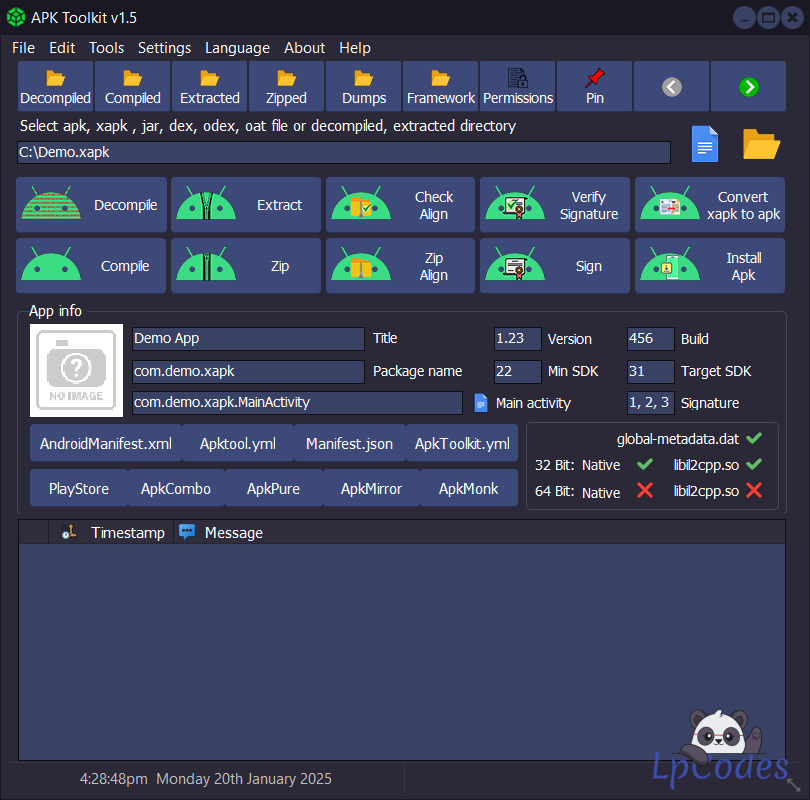



APK Toolkit is a native Windows GUI app for Reverse Engineering Android apps. It provides multiple tools & options for decompiling, compiling, extracting and zipping various Android file formats as well as displaying app permissions, metadata and much more
It was written from scratch when APK Easy Tool was discontinued. It has similar features to APK Easy Tool as well as a lot more updated features
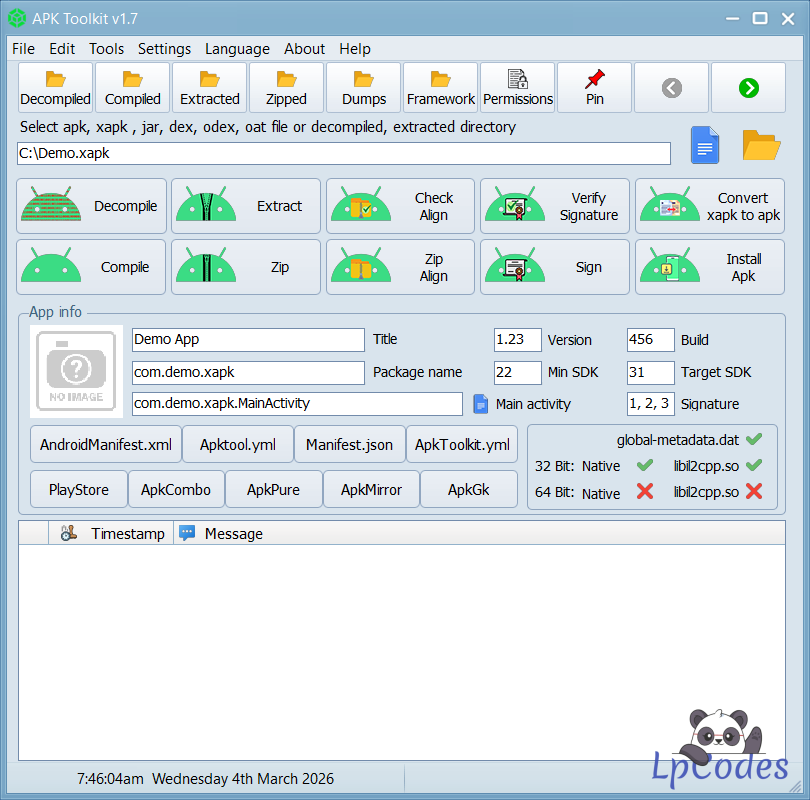
Light Skin
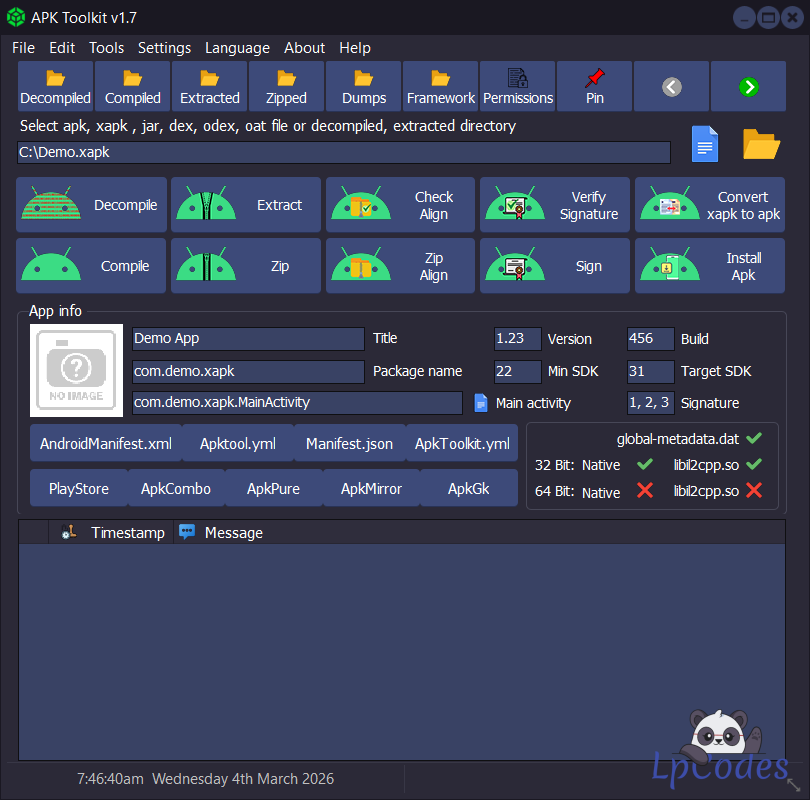
Dark Skin
Features
Decompile / Compile (xapk, apk, jar, dex, odex, oat)
Extract / Zip (xapk, apk, jar)
ZipAlign / Check align (xapk, apk)
Check Align (xapk, apk)
Sign / Verify signature (apk)
Convert xapk / split xapk to single apk
Edit app info (Icons, Name, Package Name, Version, Build, MinSdk, TargetSdk)
Extract / Save app icons
Clone APK (Install multiple instances of the same app by cloning it)
Drag & drop support for single or multiple files
Pin window so it's always on top
JumpList and toolbar shortcuts
View, Add or Remove app permissions
View app info including if app includes native 32bit / 64bit libs and/or global-metadata.dat and libil2cpp.so
il2cppdumper & dnspy built in, also supporting single / multiple file drag & drop (Dump directly without decompiling from xapk & apk and then view instantly in dnspy)
Install compiled Apk via Adb (Android Debug Bridge) or drag & drop Apk to install
Automate adding mod-menu to xapk or apk with single mouse click
Automate adding patched libs to xapk or apk
Automate adding toast message to app on startup
Automate adding multiple extra manifest permissions
Decode / Rebuild to API level
Powerful multi-threaded regex search, and search & replace. Run multiple regex at once on decompiled smali code
Remove Ads from Apps / Games via Regex Search & Replace
Base64 Encode / Decode text or png image
Light or Dark skin
Signature Killer
(A tool designed to bypass signature verification and integrity checks. It is NOT guaranteed to bypass all security measures and is intended for educational purposes only and should be used responsibly and legally)
Languages
English [EN]
Chinese (Simplified) [ZH-CN]
German [DE]
Hindi [HI]
Hungarian [HU]
Italian [IT]
Polish [PL] ( Thanks to Mirosław Żylewicz for the translation )
Portugese (Brazil) [PT-BR]
Russian [RU] ( Thanks to Reverss for the translation )
Spanish [ES]
Vietnamese [VI]
Requirements
Windows (APK Toolkit is a native windows app)
Java [JRE (Java Runtime Environment) or JDK (Java Development Kit) or OpenJDK (Open Source JDK)]
DotNet framework required for DnSpy and Il2cppDumper
Updated to v1.7
Added support for new apktool 3.0.1 switch configurations
Added Polish language ( Thanks to Mirosław Żylewicz for the translation )
Added re-translated Russian language ( Thanks to Reverss for the translation )
Changed permissions view
Added protection level icons to permissions view. Blank = no protection level, Red icon = dangerous, green = normal, yellow = everything else ( Hover over permission for full information )
Removed option to compile with aapt1, apktool has now dropped support for aapt1
Bug fixes
Removed from java properies '--enable-native-access=ALL-UNNAMED' as default ( You can add this to your java properties line in ApkToolkit.ini if you have java JDK 24+ installed and see a warning 'Restricted method called...' ) Because this only affects newer java versions and is not yet mandatory, and only produces a warning for these newer versions, I have removed it because it causes errors with older or alternative java versions which do not have that option