Ad

 View profile
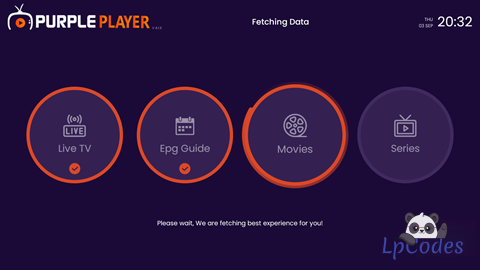
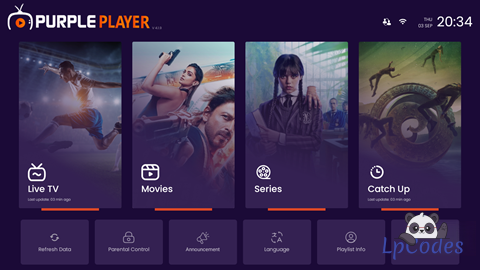
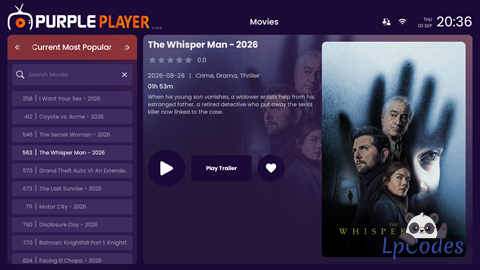
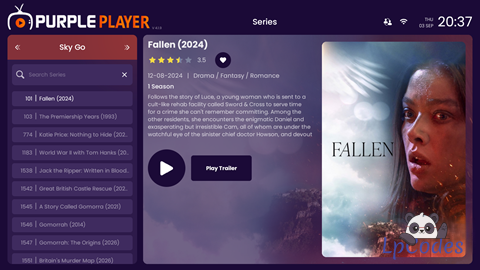
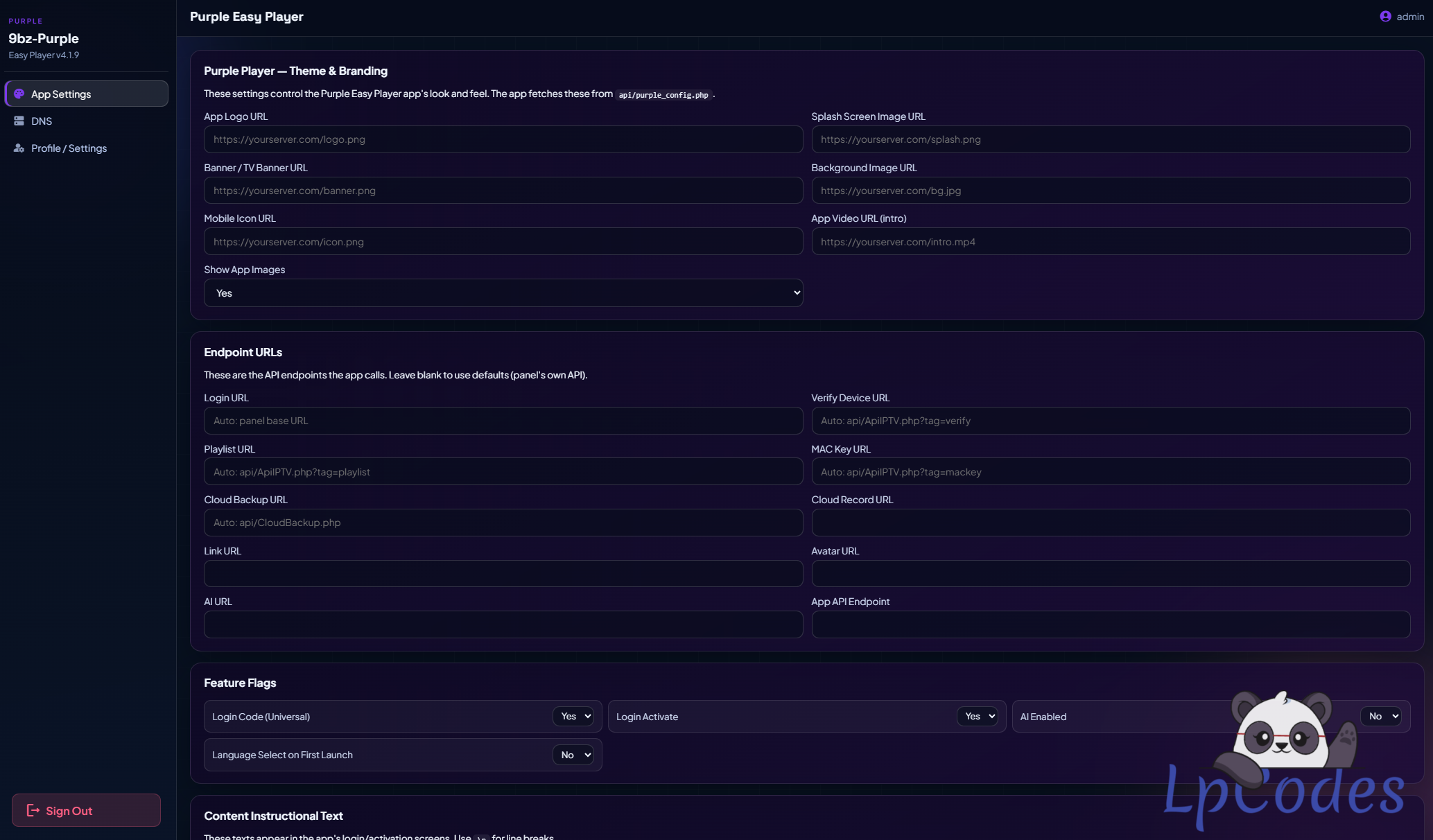
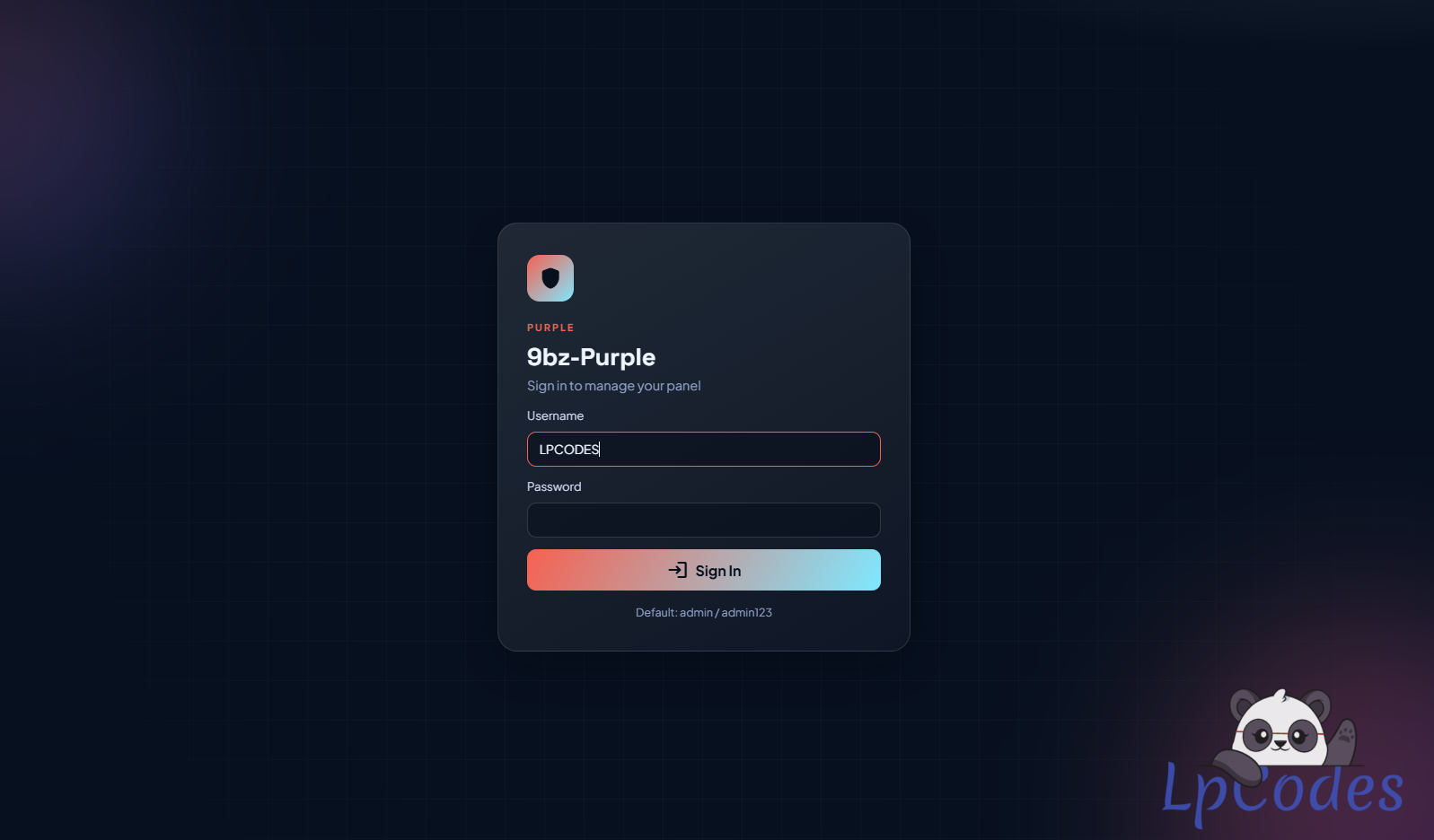
EasyPlayer-4.1.9-9bz.apk
Panel:new panel something may or may not work.
ADD-YOUR-PANEL-LINK.txt
PANEL LOGIN: admin/admin123
EasyPlayer-4.1.9-9bz.apk = working app with the panel link
replaced by a placeholder 6 times.
https://your-panel-domain/purpleeasy/purple_player_duplex/gp/v2.json
Replace YOUR-PANEL-DOMAIN with the site that hosts YOUR copy of the
"purpleeasy" PHP panel, rebuild, install. Steps below. It's a 10-minute job.
YOU ALSO NEED: the purpleeasy PHP panel uploaded to your web site.
(It's the purpleeasy/ folder that ships with this zip: index.php, api/,
includes/, pages/, data/, purple_player_duplex/ etc.)

605
Posts
1,957
Likes
Achievements
VIP ClubFamousContributorPopularRegularLikedFirst StepNewcomer
Where it all starts
Original post
EasyPlayer-4.1.9-9bz.apk
Panel:new panel something may or may not work.
ADD-YOUR-PANEL-LINK.txt
PANEL LOGIN: admin/admin123
EasyPlayer-4.1.9-9bz.apk = working app with the panel link
replaced by a placeholder 6 times.
https://your-panel-domain/purpleeasy/purple_player_duplex/gp/v2.json
Replace YOUR-PANEL-DOMAIN with the site that hosts YOUR copy of the
"purpleeasy" PHP panel, rebuild, install. Steps below. It's a 10-minute job.
YOU ALSO NEED: the purpleeasy PHP panel uploaded to your web site.
(It's the purpleeasy/ folder that ships with this zip: index.php, api/,
includes/, pages/, data/, purple_player_duplex/ etc.)
Member signature
Fuzepper is an international service for safe file transfer, storage, backup, and distribution.
You can use this tool to prep your APK.
https://lpcodes.com/item/lp-builder-windows-x64
You can use this tool to prep your APK.
https://lpcodes.com/item/lp-builder-windows-x64
Similar Threads
11 months ago
1,121
11 months ago
1,106
11 months ago
1,910
11 months ago
2,098
11 months ago
1,853