
DOWNLOAD

1-Stream v1.1.29 NULLED - 100% Working

11 months ago
1,085 views
Offline
Administrator
System Administrator
305
Posts
1,221
Likes
Achievements
VIP ClubFamousRegularFirst StepContributorLikedPopularNewcomerLoyal
View profile
Where it all starts

Original post

#66
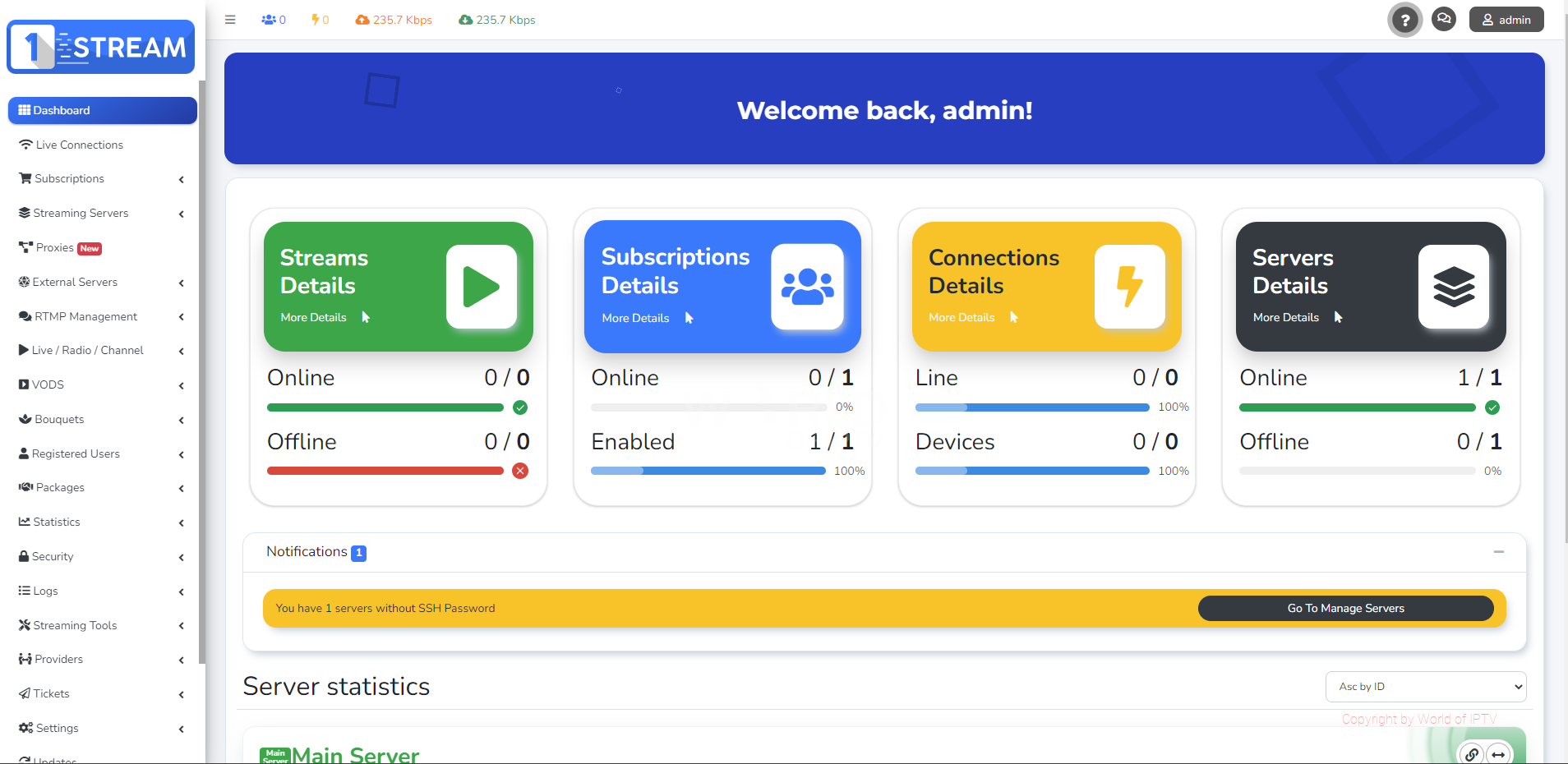
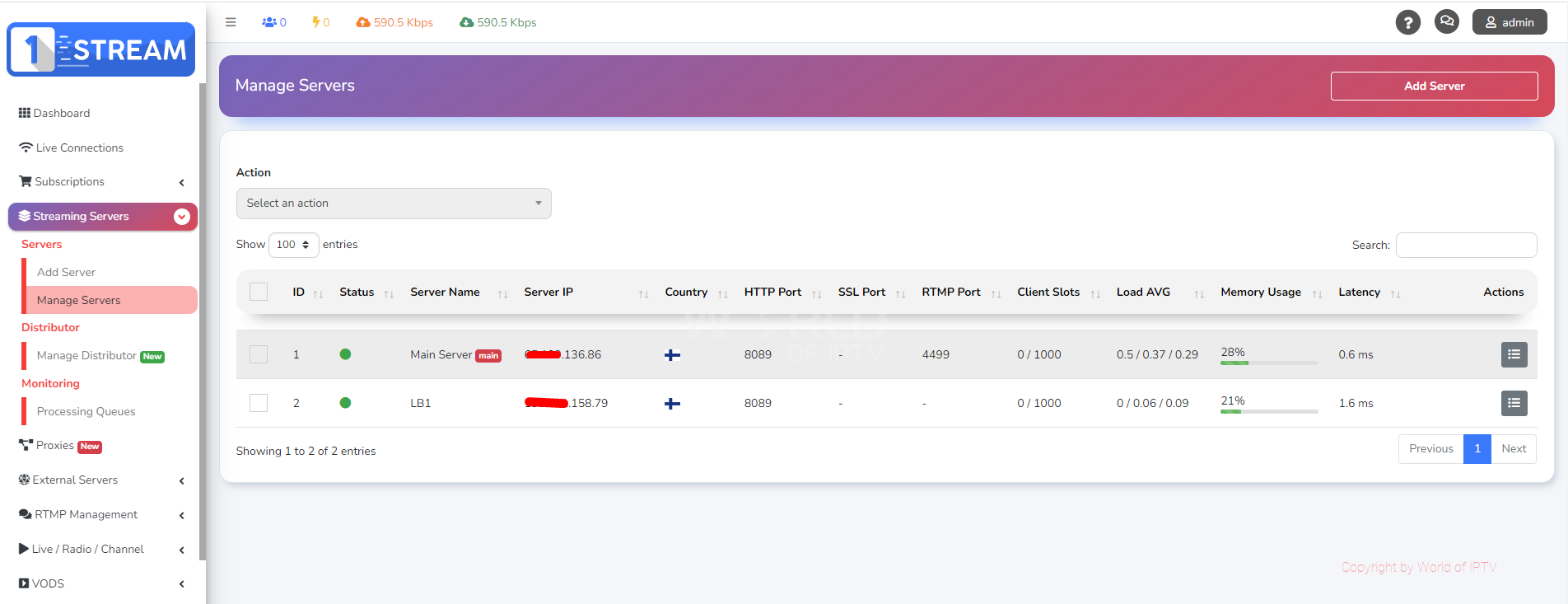
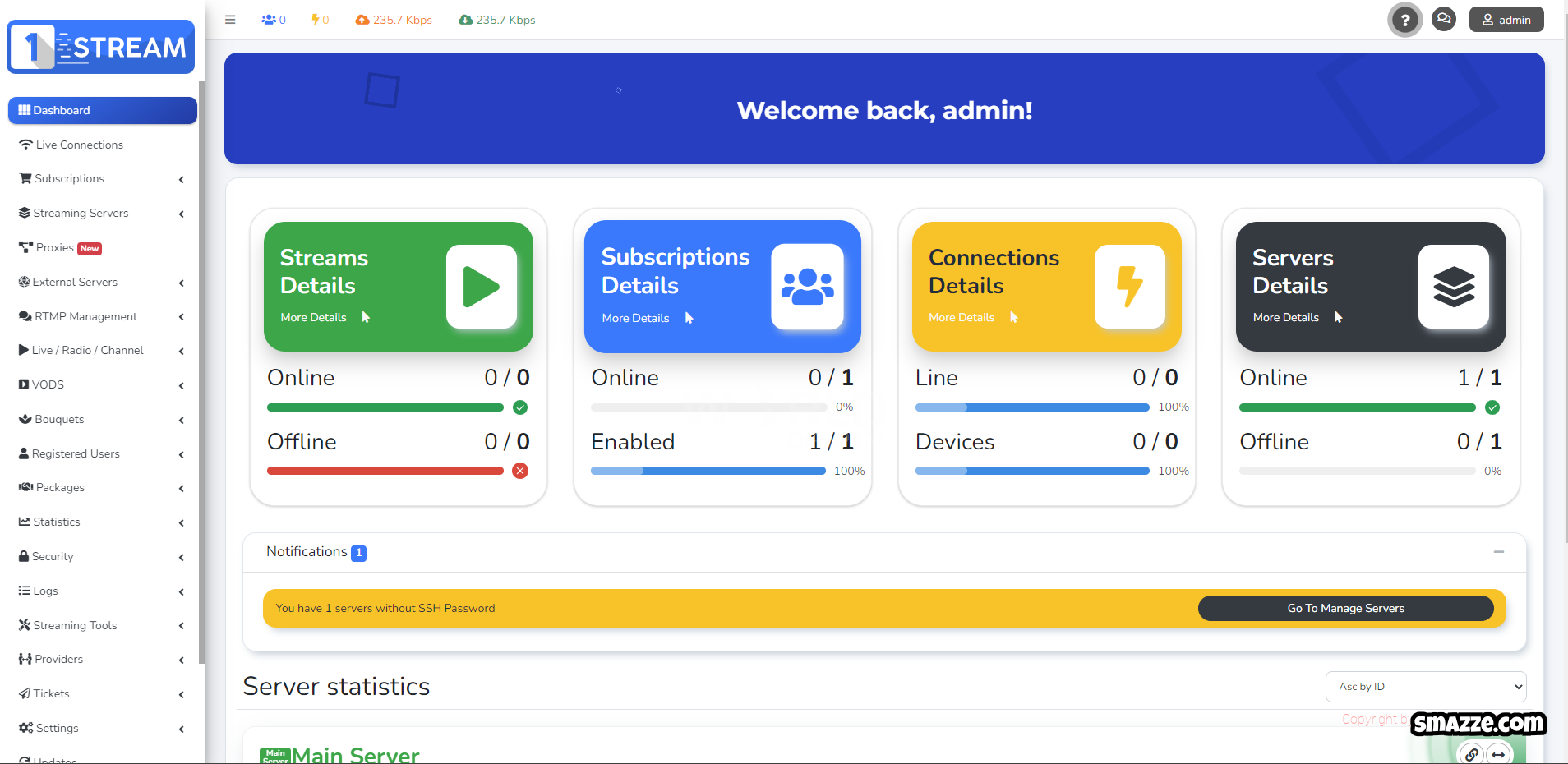
User Image
User Image


Requirements:

OS: Ubuntu 20.04 LTS as minimal installation

For flawless production usage, Main Server minimum requirements are:

CPU: 8 core / 16 threads
RAM: 32GB
Disk: SSD
Storage: 100GB available in root directory ( / )

Depending from your usage purpose, Load Balancers do not have minimum requirements.
For Production use Server should be strong and reliable.


How to install:

Main Sever Installation Instructions

1. Download and unzip file
2. Upload the install_main.sh to your server root folder
3. Run following commands
sudo apt-get update sudo chmod +x install_main.sh

3. Start the installer for Main Server:
./install_main.sh |& tee install_main.log.txt

Info:
During the script execution, you will be prompted to provide your application name. Please enter the appropriate information when requested, and then allow the installation process to run its course.


Load Balancer (LB) Installation Instructions

1. Upload the install_lb_patch.sh to your server root folder
2. Run following commands
sudo apt-get update sudo ufw disable sudo chmod +x install_lb_patch.sh

3. Start the installer for Loadbalancer Server:
./install_lb_patch.sh |& tee install_lb_patch.log.txt

Follow the prompts provided by the script, entering the IP address of your main server when required.


Info:
After the script execution completes, you may continue with the LB installation process via your control panel.

Remember to follow each step precisely, as deviations may lead to installation issues.

Hidden Content
To view the content, you need to Sign In or Register.
đŸ”Ĩ Welcome to the Ultimate IPTV Community! đŸ”Ĩ
đŸ”Ĩ LpCodes Scripts - The #1 Place for IPTV Enthusiasts! đŸ”Ĩ

đŸ“ĸ Follow the Rules & Stay in the Game! 🚀

Offline
VIP
15
Posts
8
Likes
Achievements
VIP ClubRegularLikedNewcomerFirst Step
View profile
Community discussion

Member reply

can you share if the install_main.sh is still valid? it seems to call to official billing.1-stream.com for latest version which is much higher than this null. it gets stuck after trying this to get the project files... a continuous loop of:
Installing 1-stream packages: Please Wait ( 937 )
Installing 1-stream packages: Please Wait ( 938 )
Installing 1-stream packages: Please Wait ( 939 )
Installing 1-stream packages: Please Wait ( 940 )
Installing 1-stream packages: Please Wait ( 941 )
Installing 1-stream packages: Please Wait ( 942 )
Installing 1-stream packages: Please Wait ( 943 )
Installing 1-stream packages: Please Wait ( 944 )
Installing 1-stream packages: Please Wait ( 945 )
Offline
VIP
15
Posts
8
Likes
Achievements
VIP ClubRegularLikedNewcomerFirst Step
View profile
Community discussion

Member reply

ricotop wrote
can you share if the install_main.sh is still valid? it seems to call to official billing.1-stream.com for latest version which is much higher than this null. it gets stuck after trying this to get the project files... a continuous loop of:
Installing 1-stream packages: Please Wait ( 937 )
Installing 1-stream packages: Please Wait ( 938 )
Installing 1-stream packages: Please Wait ( 939 )
Installing 1-stream packages: Please Wait ( 940 )
Installing 1-stream packages: Please Wait ( 941 )
Installing 1-stream packages: Please Wait ( 942 )
Installing 1-stream packages: Please Wait ( 943 )
Installing 1-stream packages: Please Wait ( 944 )
Installing 1-stream packages: Please Wait ( 945 )

anyone has a different source for the files or past this?
Offline
Administrator
584
Posts
1,886
Likes
Achievements
VIP ClubFamousContributorPopularRegularLikedFirst StepNewcomer
View profile
Community discussion

Member reply

ricotop wrote
ricotop wrote
can you share if the install_main.sh is still valid? it seems to call to official billing.1-stream.com for latest version which is much higher than this null. it gets stuck after trying this to get the project files... a continuous loop of:
Installing 1-stream packages: Please Wait ( 937 )
Installing 1-stream packages: Please Wait ( 938 )
Installing 1-stream packages: Please Wait ( 939 )
Installing 1-stream packages: Please Wait ( 940 )
Installing 1-stream packages: Please Wait ( 941 )
Installing 1-stream packages: Please Wait ( 942 )
Installing 1-stream packages: Please Wait ( 943 )
Installing 1-stream packages: Please Wait ( 944 )
Installing 1-stream packages: Please Wait ( 945 )

anyone has a different source for the files or past this?

i checked and found atleast 2 dead links, i will provide a fix
Fuzepper is an international service for safe file transfer, storage, backup, and distribution.

You can use this tool to prep your APK.
https://lpcodes.com/item/lp-builder-windows-x64
Offline
Member
2
Posts
0
Likes
Achievements
View profile
Community discussion

Member reply

Hi
Oi
Offline
Member
2
Posts
0
Likes
Achievements
View profile
Community discussion

Member reply

Admin wrote
User Image
User Image


Requirements:

OS: Ubuntu 20.04 LTS as minimal installation

For flawless production usage, Main Server minimum requirements are:

CPU: 8 core / 16 threads
RAM: 32GB
Disk: SSD
Storage: 100GB available in root directory ( / )

Depending from your usage purpose, Load Balancers do not have minimum requirements.
For Production use Server should be strong and reliable.


How to install:

Main Sever Installation Instructions

1. Download and unzip file
2. Upload the install_main.sh to your server root folder
3. Run following commands
sudo apt-get update sudo chmod +x install_main.sh

3. Start the installer for Main Server:
./install_main.sh |& tee install_main.log.txt

Info:
During the script execution, you will be prompted to provide your application name. Please enter the appropriate information when requested, and then allow the installation process to run its course.


Load Balancer (LB) Installation Instructions

1. Upload the install_lb_patch.sh to your server root folder
2. Run following commands
sudo apt-get update sudo ufw disable sudo chmod +x install_lb_patch.sh

3. Start the installer for Loadbalancer Server:
./install_lb_patch.sh |& tee install_lb_patch.log.txt

Follow the prompts provided by the script, entering the IP address of your main server when required.


Info:
After the script execution completes, you may continue with the LB installation process via your control panel.

Remember to follow each step precisely, as deviations may lead to installation issues.

[Hidden Content]

Bbb
Oi
Offline
Member
9
Posts
15
Likes
Achievements
VIP ClubLikedFirst StepRegularNewcomer
View profile
Community discussion

Member reply

Hi,

how long is the installation?

In have tried many times.. i leave over night. "hours" it will never finish.

Please advise if anything wrong I am doing.
Offline
Administrator
584
Posts
1,886
Likes
Achievements
VIP ClubFamousContributorPopularRegularLikedFirst StepNewcomer
View profile
Community discussion

Member reply

Herny09 wrote
Hi,

how long is the installation?

In have tried many times.. i leave over night. "hours" it will never finish.

Please advise if anything wrong I am doing.

There are some links down in the installer that need to be inspected. Once you identify them, replace them with working ones, and it should work properly.
Fuzepper is an international service for safe file transfer, storage, backup, and distribution.

You can use this tool to prep your APK.
https://lpcodes.com/item/lp-builder-windows-x64
Offline
Member
9
Posts
15
Likes
Achievements
VIP ClubLikedFirst StepRegularNewcomer
View profile
Community discussion

Member reply

Understood...

I will definitely take look and try.

Thank you.