
Administrator
System Administrator
305
Posts
1,212
Likes
Achievements
VIP ClubFamousRegularFirst StepContributorLikedPopularNewcomerLoyal
Thread Post
Dec 11, 2025
at
8:23 PM


N
Can Change Theme
N
Change portal URL & Change Logo
N
SMTP & Security settings
N
Email notifications settings
N
Watch Trailer, Channel History
N
Singel-DNS
N
Support Master search
N
Admin panel is must
Instrustions:
0. Make sure to set your server PHP to 7.2
1. Download the zip file and extract it on your cpanel.2. Go to cpanel and create a database
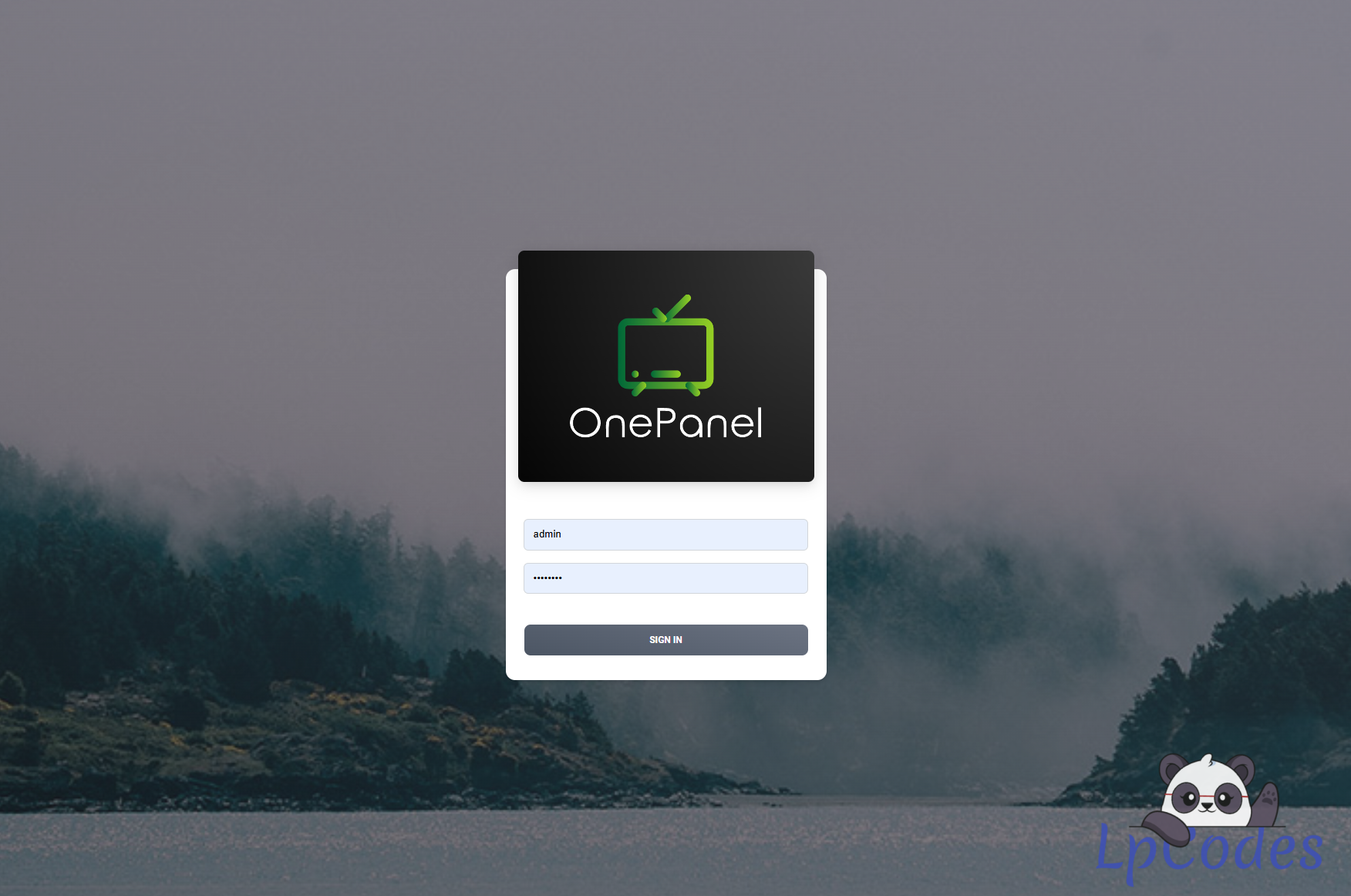
3. Now go to your http://yourwebplayer.com/webplayer/admin
4. Follow the permissions instructions on the screen
5. Enter your Database credentials and press the button (Test & Save Changes)
6. installation should be complete take note of your generated username and password to login in your panel.
7. go to your http://yourwebplayer.com/webplayer/admin
8. Got to manage license and enter: 12345 it will activate your licence.
9. Got toThemes and Activate your Theme.
Done.
🔥 Welcome to the Ultimate IPTV Community! 🔥
🔥 LpCodes Scripts - The #1 Place for IPTV Enthusiasts! 🔥
📢 Follow the Rules & Stay in the Game! 🚀
🔥 LpCodes Scripts - The #1 Place for IPTV Enthusiasts! 🔥
📢 Follow the Rules & Stay in the Game! 🚀
👍
Testadura87, Ed, SHOPPYWOLF and 5 others
Similar Threads
11 months ago
1,223
11 months ago
1,949

11 months ago
879
10 months ago
1,062

10 months ago
812