


System Administrator
305
Posts
1,212
Likes
Achievements
VIP ClubFamousRegularFirst StepContributorLikedPopularNewcomerLoyal
Where it all starts
Original post
1 - Upload the file "Painel Vu-Ibo Revenda.zip" to your hosting account.
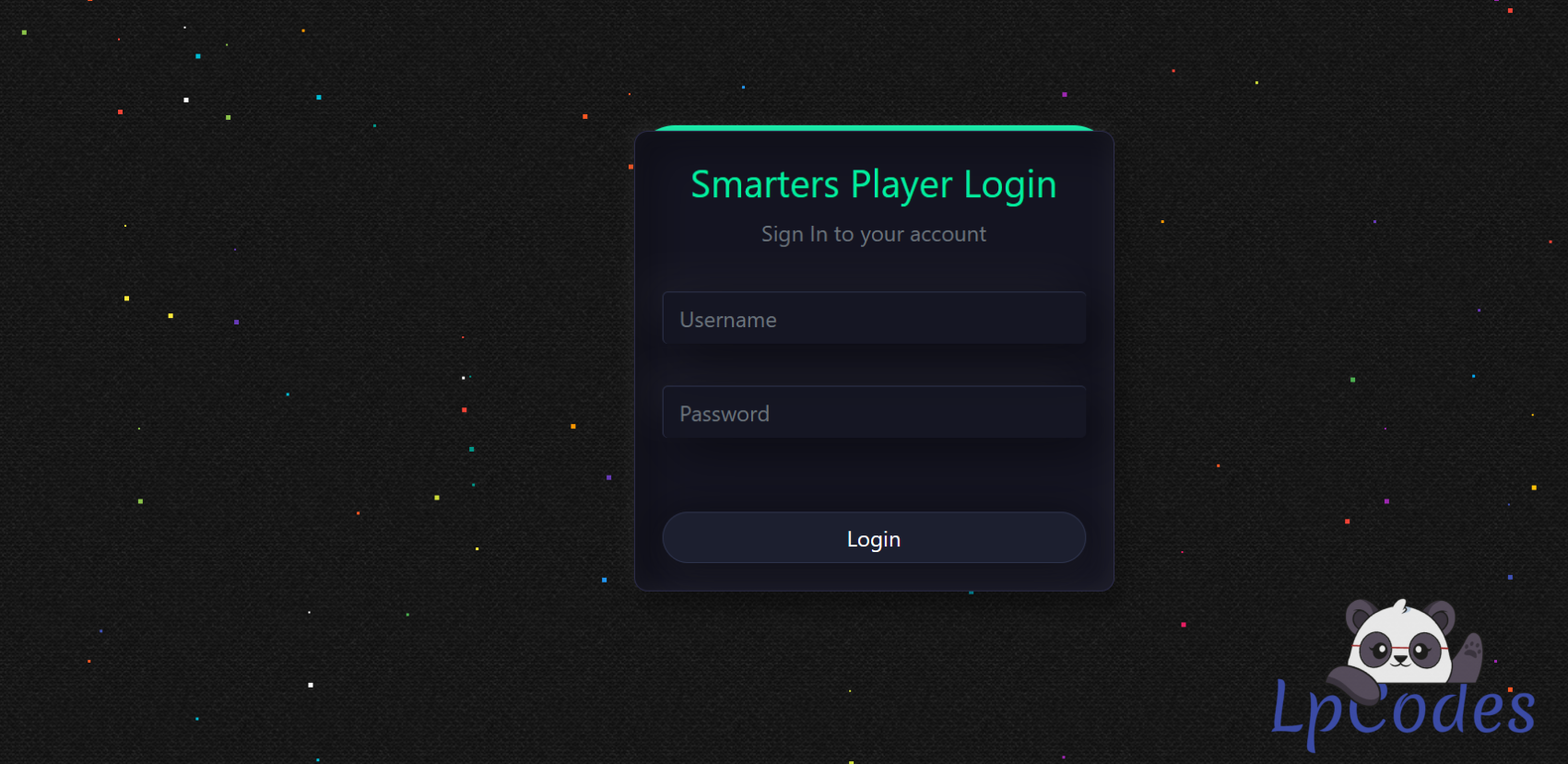
2 - Open the Admin Panel
Example: "https://seudominio.com/suapasta/login.php"
Username: admin
Password: admin
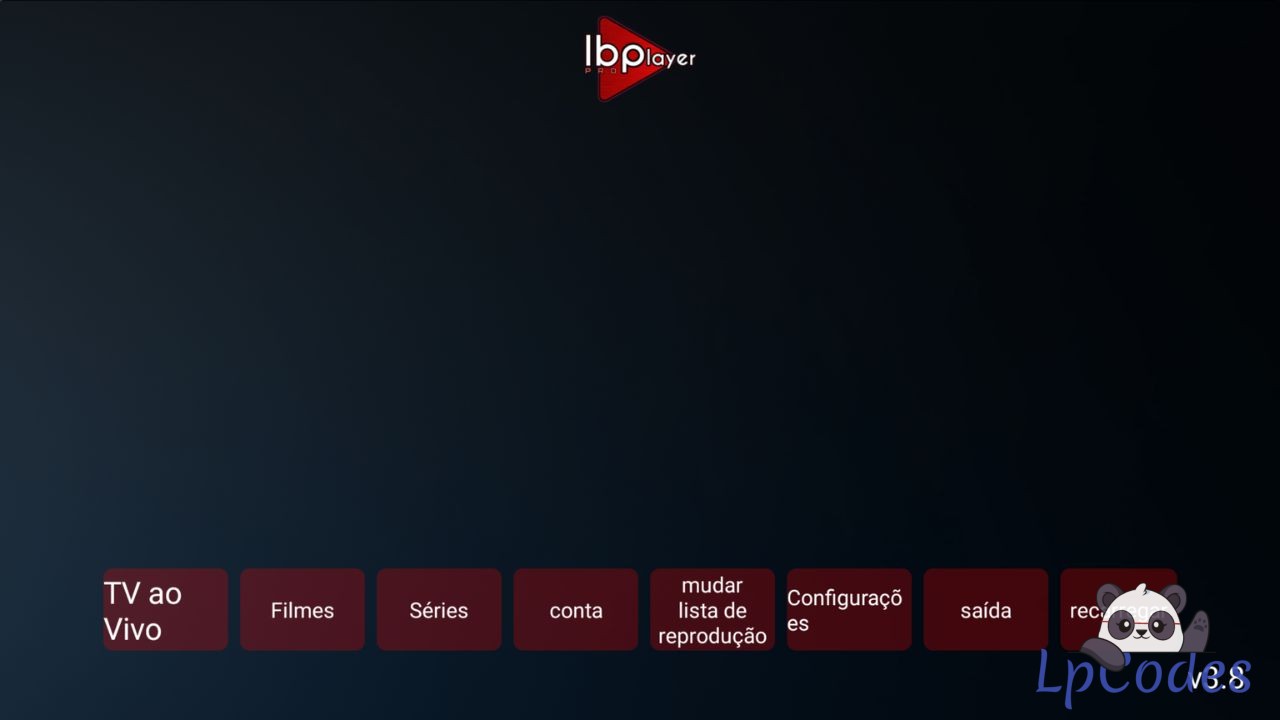
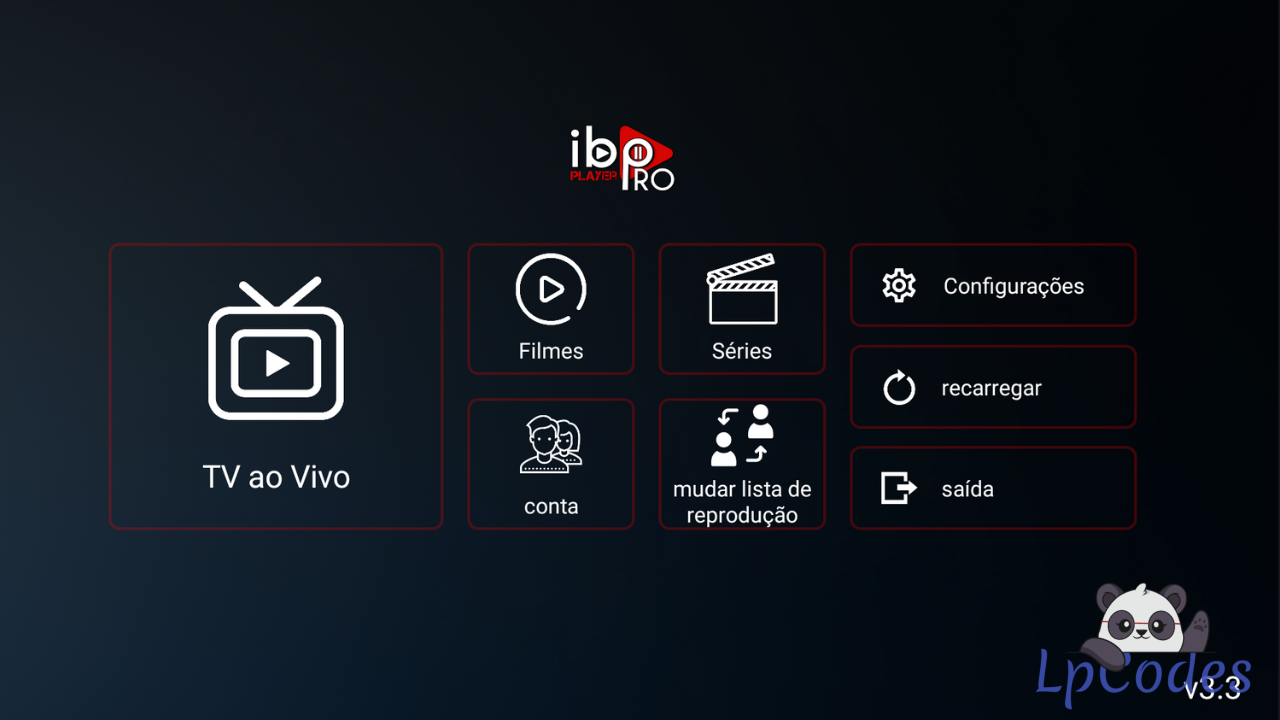
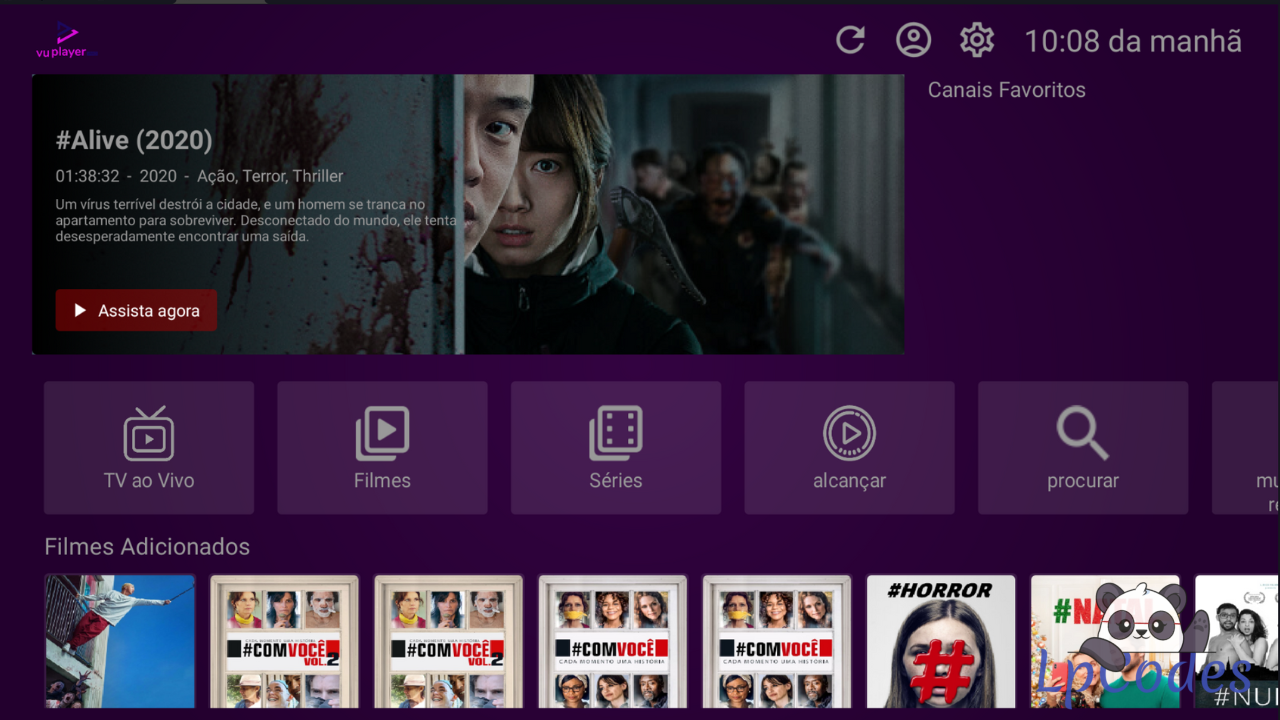
3 - Edit the IBO PRO and VU PLAYER APKs using APK Editor. If you don’t have APK Editor, I can send it to your phone as a courtesy.
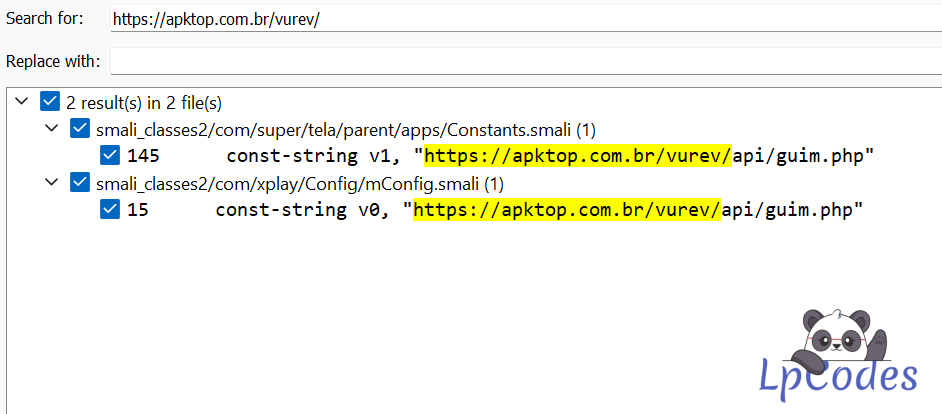
Search for "https://apktop.com.br/vurev/
"
and replace it with the address of your Panel.
Example: See attached image.
Ex: "https://seudominio.com/suapasta/".
"
(DO NOT MODIFY ANY OTHER CHARACTERS)
2 - Open the Admin Panel
Example: "https://seudominio.com/suapasta/login.php"
Username: admin
Password: admin
3 - Edit the IBO PRO and VU PLAYER APKs using APK Editor. If you don’t have APK Editor, I can send it to your phone as a courtesy.
Search for "https://apktop.com.br/vurev/
"
and replace it with the address of your Panel.
Example: See attached image.
Ex: "https://seudominio.com/suapasta/".
"
(DO NOT MODIFY ANY OTHER CHARACTERS)
Member signature
🔥 Welcome to the Ultimate IPTV Community! 🔥
🔥 LpCodes Scripts - The #1 Place for IPTV Enthusiasts! 🔥
📢 Follow the Rules & Stay in the Game! 🚀
🔥 LpCodes Scripts - The #1 Place for IPTV Enthusiasts! 🔥
📢 Follow the Rules & Stay in the Game! 🚀
Similar Threads
11 months ago
1,797
11 months ago
1,953
11 months ago
1,789
11 months ago
3,526
11 months ago
1,749