Ad

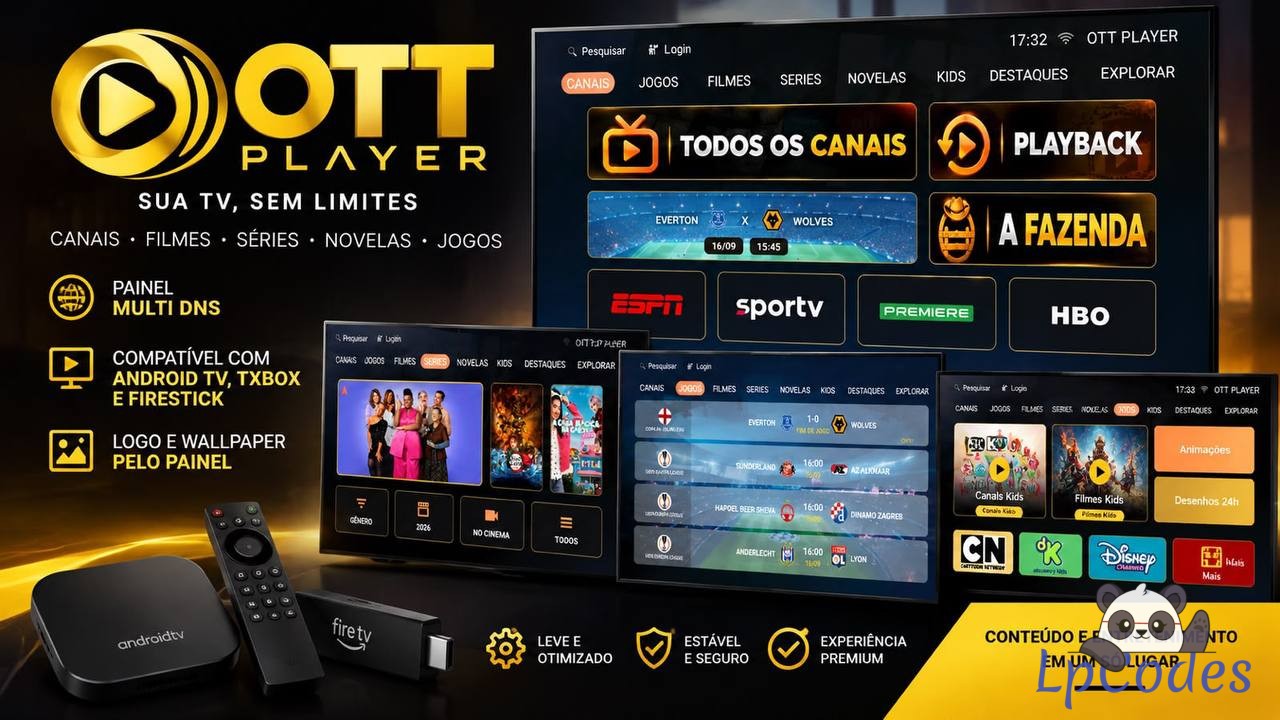
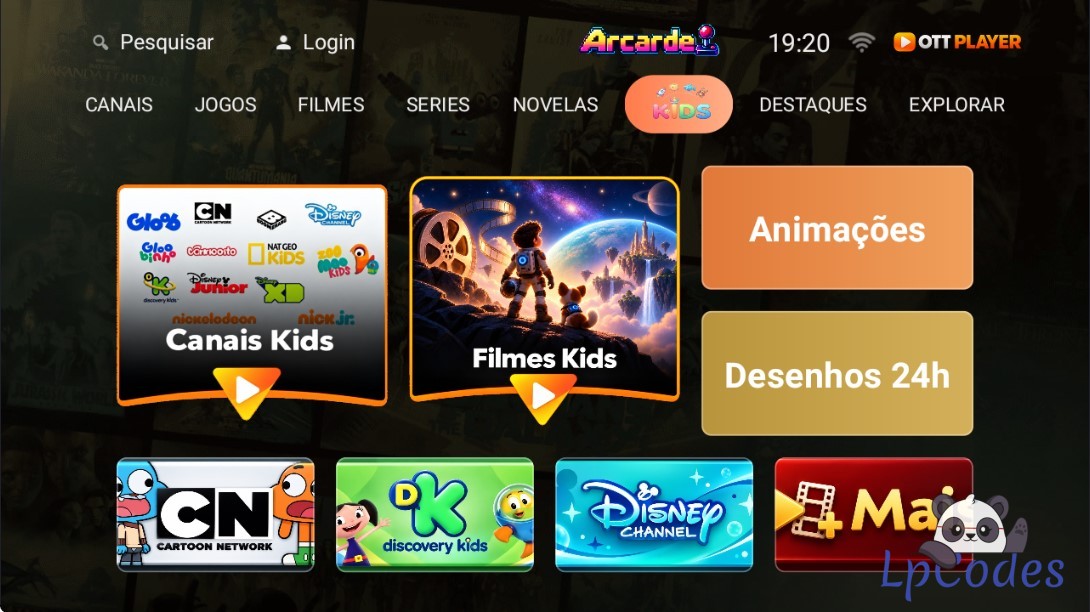
# 📺 OTT PLAYER MAX — INSTALLATION AND CONFIGURATION INSTRUCTIONS
## ⚙️ PANEL REQUIREMENTS
Use **PHP 8.0 or higher** on your hosting server to ensure the control panel functions correctly.
## 🔐 DEFAULT PANEL LOGIN
**Username:** `admin`
**Password:** `admin`
---
## 🔗 HOW TO CONNECT THE PANEL TO THE APK
1. Access the Web Panel.
2. Navigate to the **Settings** section.
3. Locate the button labeled **Copy JSON to APK**.
4. Click the button and copy the entire JSON content generated by the panel.
5. Decompile the APK as usual.
6. Inside the decompiled APK, navigate to the following file:
`assets\config.json`
7. Open the `config.json` file.
8. Delete the existing content and paste the JSON copied from the panel.
9. Save the file.
10. Recompile and sign the APK as usual.
✅ **Done!** The application will now be connected to your control panel.
---
## 🛠️ APPLICATION CUSTOMIZATION
Other modifications can be performed as usual, just like with any other APK.
You can customize the following elements:
- Application Name
- Logo
- App Icon
- Backgrounds
- Colors
- Images
- Texts
- Package Name
- Application Version
- Other Visual Customizations
APP
Panel

.png)
Where it all starts
Original post
# 📺 OTT PLAYER MAX — INSTALLATION AND CONFIGURATION INSTRUCTIONS
## ⚙️ PANEL REQUIREMENTS
Use **PHP 8.0 or higher** on your hosting server to ensure the control panel functions correctly.
## 🔐 DEFAULT PANEL LOGIN
**Username:** `admin`
**Password:** `admin`
---
## 🔗 HOW TO CONNECT THE PANEL TO THE APK
1. Access the Web Panel.
2. Navigate to the **Settings** section.
3. Locate the button labeled **Copy JSON to APK**.
4. Click the button and copy the entire JSON content generated by the panel.
5. Decompile the APK as usual.
6. Inside the decompiled APK, navigate to the following file:
`assets\config.json`
7. Open the `config.json` file.
8. Delete the existing content and paste the JSON copied from the panel.
9. Save the file.
10. Recompile and sign the APK as usual.
✅ **Done!** The application will now be connected to your control panel.
---
## 🛠️ APPLICATION CUSTOMIZATION
Other modifications can be performed as usual, just like with any other APK.
You can customize the following elements:
- Application Name
- Logo
- App Icon
- Backgrounds
- Colors
- Images
- Texts
- Package Name
- Application Version
- Other Visual Customizations
APP
Panel