
.png)
Thread Post
Apr 11, 2026
at
3:32 PM
When running python FlaskAppPlayerDownloaderv15_byGG.py:
Note: This program is not my own work. It was sourced from Telegram, and I personally tested it—it works very well.
System Detection: The script detects your operating system (Windows, Linux, Mac, Android).
FFmpeg Check: It checks if FFmpeg already exists (locally or in the PATH).
Auto-Download: If it doesn't exist → it automatically downloads in the background while Flask is already running.
Portable Binaries: Binaries are saved in ./ffmpeg_bin/ffmpeg.exe (next to the script, without touching system settings).
Persistent Storage: The next time you start the app, it will find them and skip the download.
Real-time UI: In the web interface, if FFmpeg is still downloading, the red ⚙️ Install FFmpeg button shows real-time progress (⏳ 40% (40 MB / 100 MB)) and automatically changes to ✓ FFmpeg when finished.
🔴 Recording — Full Enhancements
Options Panel (visible before recording, hidden while recording):
Format: MKV (recommended for streams), TS (best compatibility with players), MP4.
Max Duration: No Limit / 30 min / 1h / 1h30 / 2h / 3h — real auto-stop via timer.
Custom Folder: You can specify a different folder for each recording without changing global settings.
While Recording:
Live Timer: The button displays elapsed time: ⏹️ 00:42:17.
File Size Tracking: File size in MB is updated every 5 seconds from the actual filesystem.
Progress Bar: Animated bar when a duration is set, including time remaining.
Error Detection: If FFmpeg crashes (broken stream, network error), the UI detects it and notifies the user automatically.
Improved Backend:
Auto-Reconnect: Uses reconnect 1 + reconnect_delay_max 10 to automatically reconnect if the stream drops momentarily during recording.
User-Agent: Matches the MAG200 agent used in the rest of the player to avoid portal blocks.
Silent Execution: No console window pop-ups on Windows (CREATE_NO_WINDOW).
Resource Management: _rec_stop_internal() correctly releases all resources (process, timer, state).
Smart Fallback: If FFmpeg is not installed when you try to record, it triggers the auto-installation and alerts the user.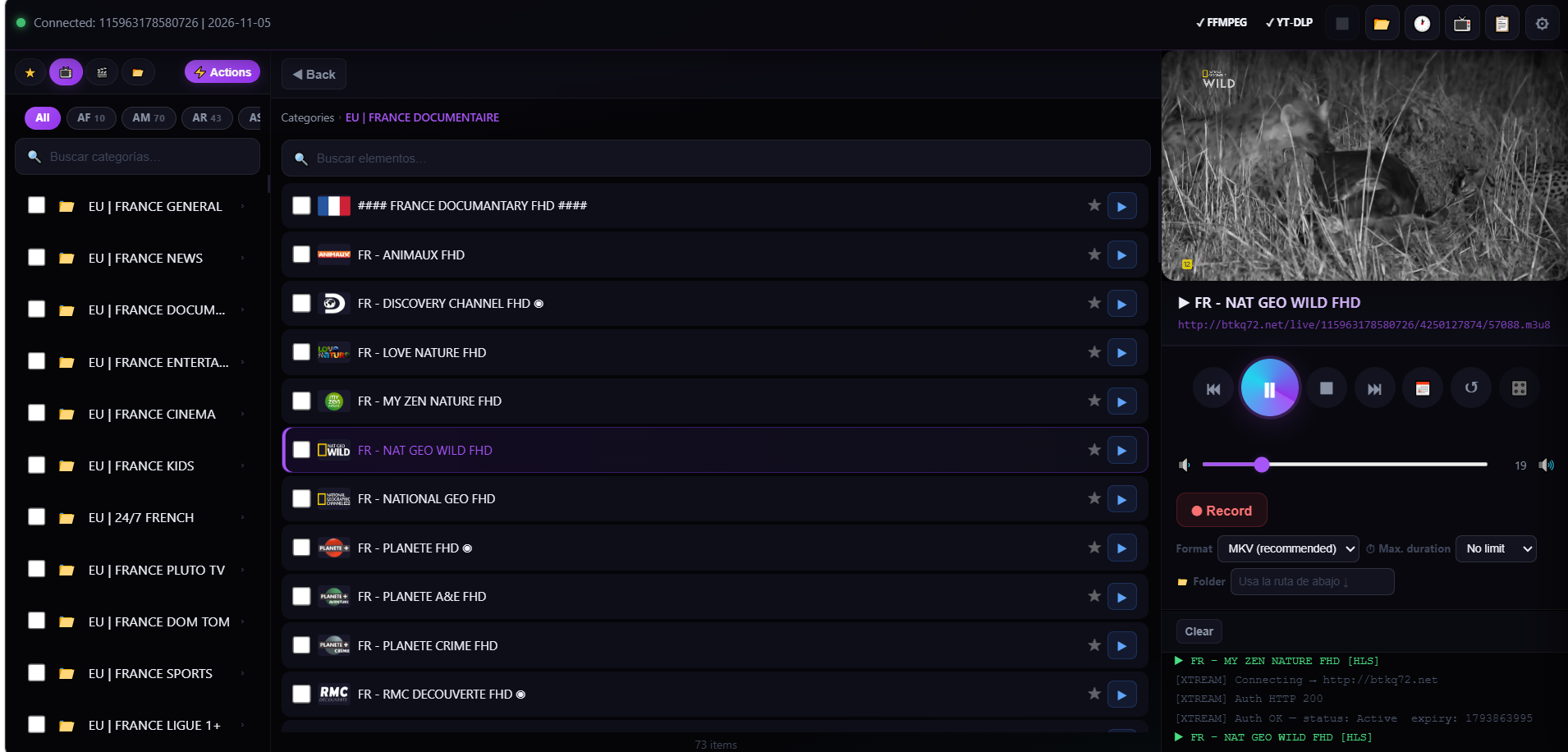
Note: This program is not my own work. It was sourced from Telegram, and I personally tested it—it works very well.
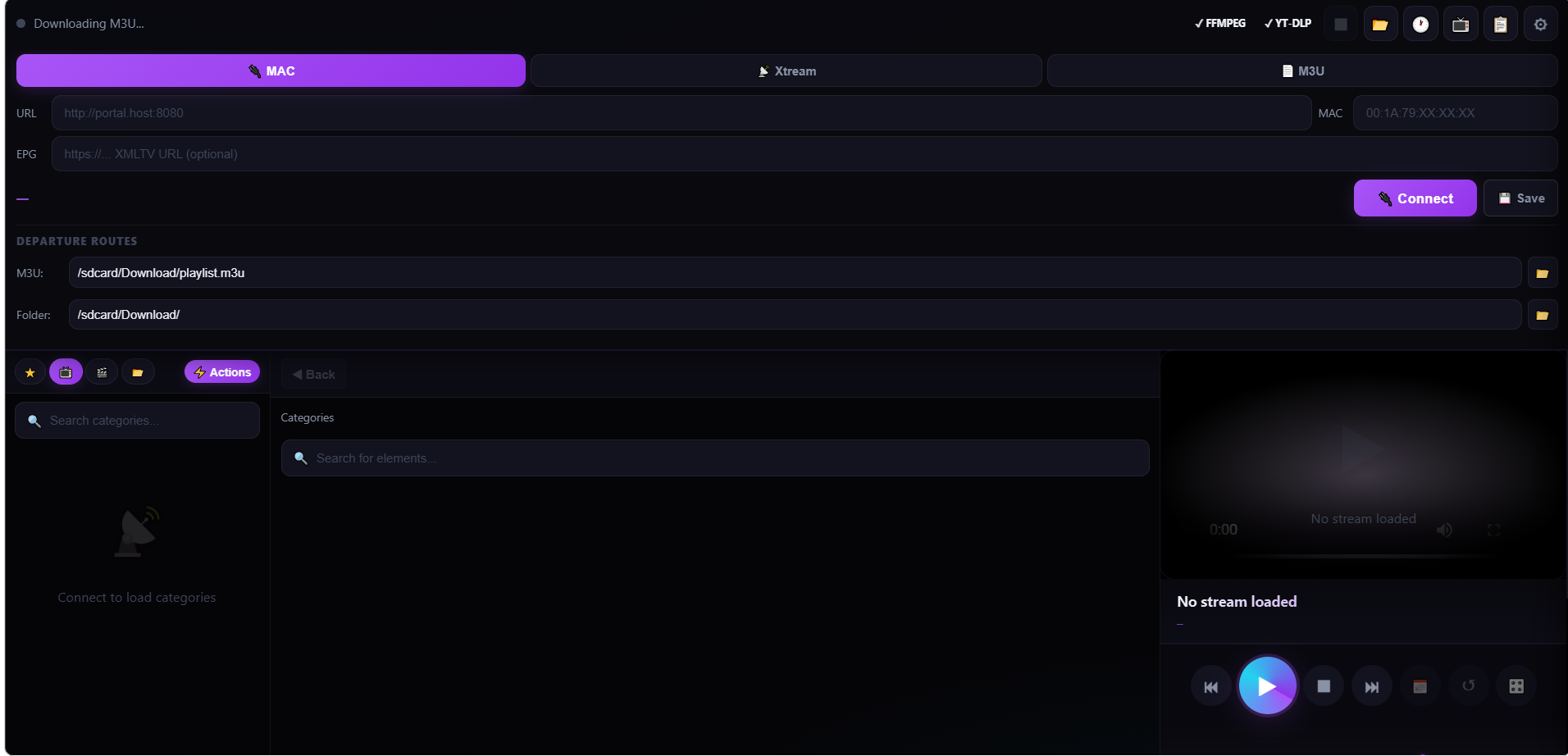
System Detection: The script detects your operating system (Windows, Linux, Mac, Android).
FFmpeg Check: It checks if FFmpeg already exists (locally or in the PATH).
Auto-Download: If it doesn't exist → it automatically downloads in the background while Flask is already running.
Portable Binaries: Binaries are saved in ./ffmpeg_bin/ffmpeg.exe (next to the script, without touching system settings).
Persistent Storage: The next time you start the app, it will find them and skip the download.
Real-time UI: In the web interface, if FFmpeg is still downloading, the red ⚙️ Install FFmpeg button shows real-time progress (⏳ 40% (40 MB / 100 MB)) and automatically changes to ✓ FFmpeg when finished.
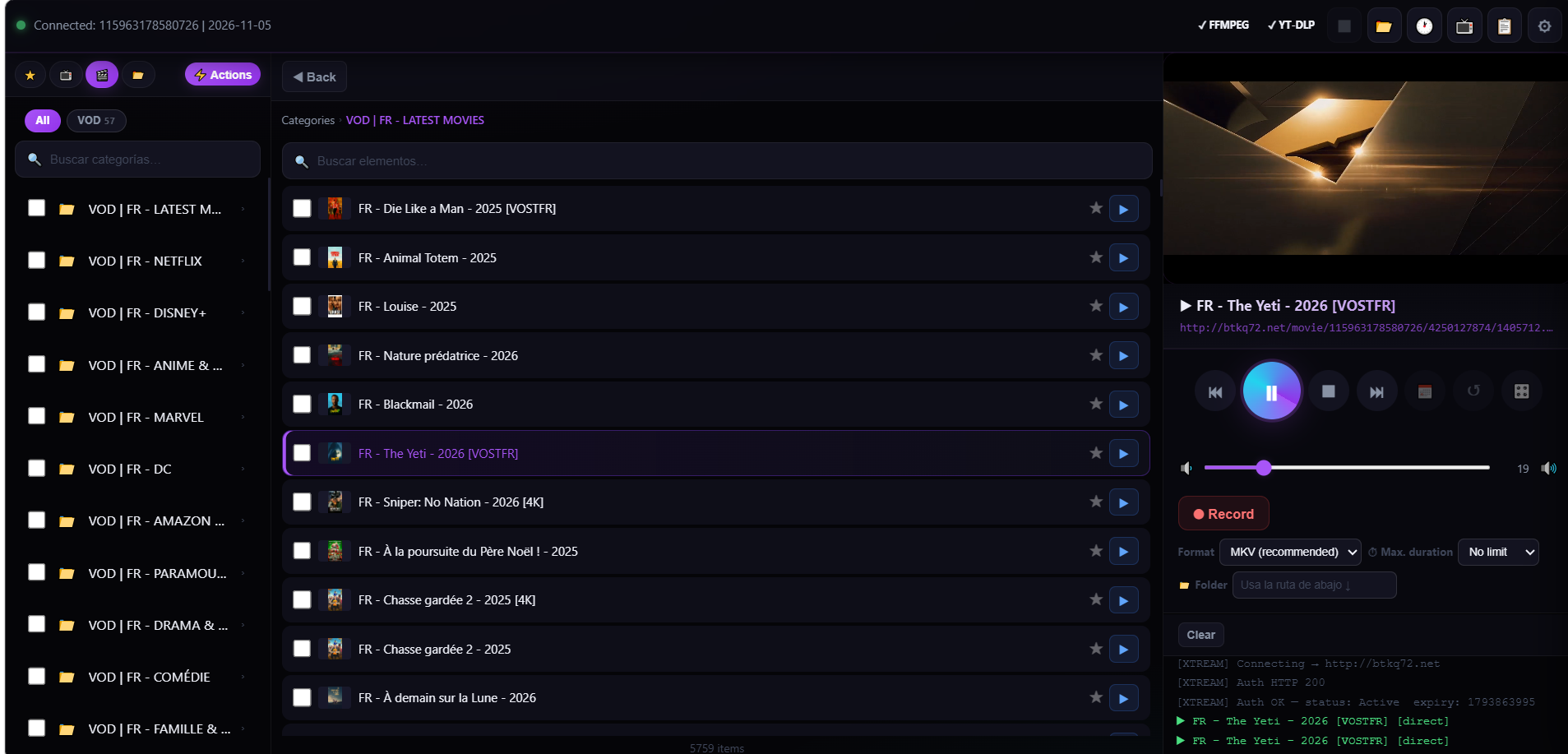
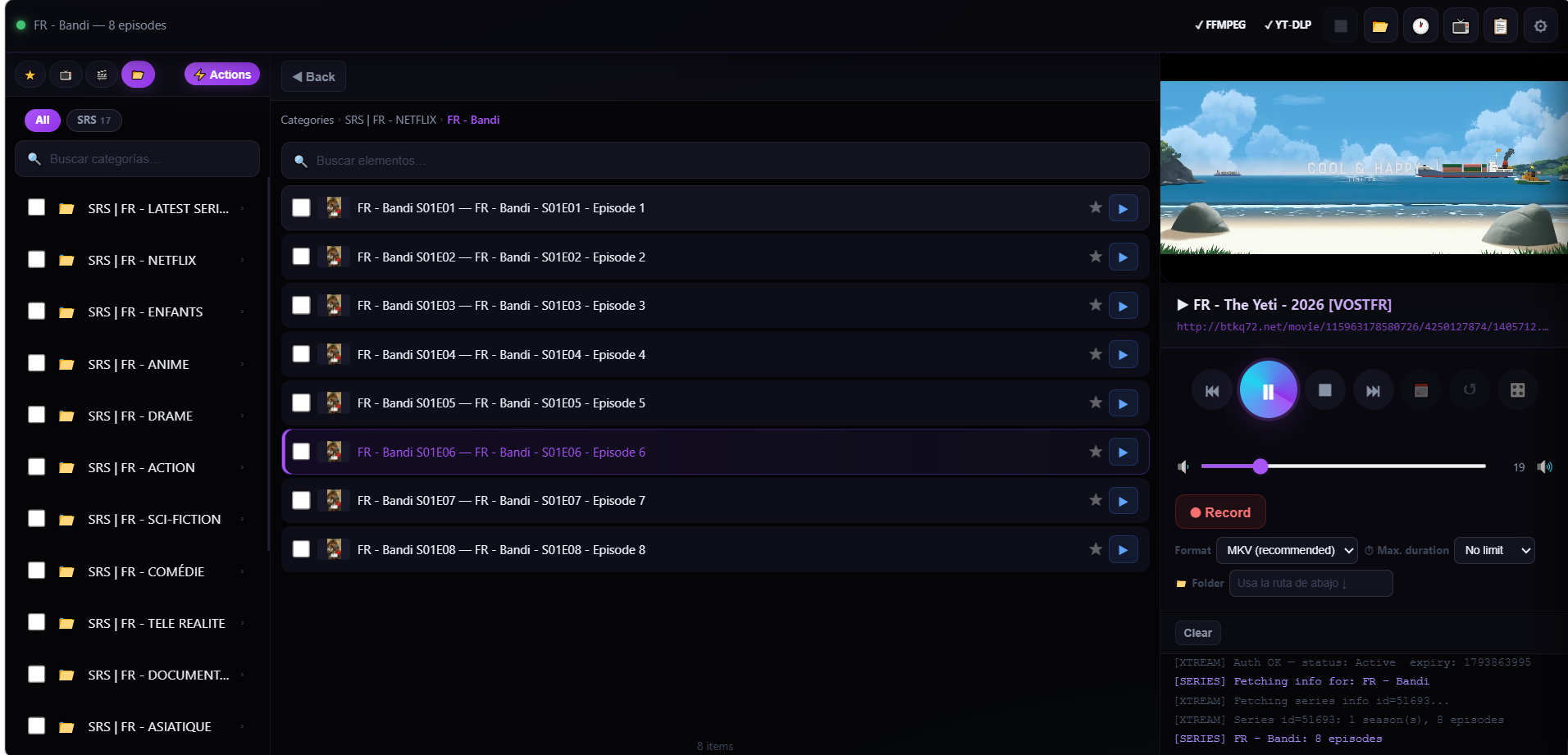
🔴 Recording — Full Enhancements
Options Panel (visible before recording, hidden while recording):
Format: MKV (recommended for streams), TS (best compatibility with players), MP4.
Max Duration: No Limit / 30 min / 1h / 1h30 / 2h / 3h — real auto-stop via timer.
Custom Folder: You can specify a different folder for each recording without changing global settings.
While Recording:
Live Timer: The button displays elapsed time: ⏹️ 00:42:17.
File Size Tracking: File size in MB is updated every 5 seconds from the actual filesystem.
Progress Bar: Animated bar when a duration is set, including time remaining.
Error Detection: If FFmpeg crashes (broken stream, network error), the UI detects it and notifies the user automatically.
Improved Backend:
Auto-Reconnect: Uses reconnect 1 + reconnect_delay_max 10 to automatically reconnect if the stream drops momentarily during recording.
User-Agent: Matches the MAG200 agent used in the rest of the player to avoid portal blocks.
Silent Execution: No console window pop-ups on Windows (CREATE_NO_WINDOW).
Resource Management: _rec_stop_internal() correctly releases all resources (process, timer, state).
Smart Fallback: If FFmpeg is not installed when you try to record, it triggers the auto-installation and alerts the user.
👍
iptvna, Andwiz50